Recuperación contraseña paciente en MiMedico.com
Normally, when we create a prescription—I've just created an prescription—I've just created an Express prescription—from either the Express prescription or a Express prescription or a regular prescription, regular prescription, if we go into the pres
Tutorial MiMedico.com
Guía práctica generada a partir del vídeo tutorial de MiMedico.com.
Resumen
Normally, when we create a prescription—I've just created an prescription—I've just created an Express prescription—from either the Express prescription or a Express prescription or a regular prescription, regular prescription, if we go into the prescription we if we go into the prescription we created and click on the link, created and click on the link, we can open the webpage with the we can open the webpage with the username and password generated by the username and password generated by the platform. We won't have to do anything else, neither platform. We won't have to do anything else, neither enter the username nor the enter the username nor the password, because it will automatically take us to password, because it will automatically take us to this patient page. Once this patient page. Once we are on the we are on the patient page, we can go to their patient page, we can go to their profile and change their username. In the profile and change their username.
Pasos del tutorial
1. Paso 1
- Normally, when we create a prescription—I've just created an prescription—I've just created an Express prescription—from either the Express prescription or a Express prescription or a regular prescription,
2. Paso 2
- regular prescription, if we go into the prescription we if we go into the prescription we created and click on the link, created and click on the link, we can open the webpage with the we can open the webpage with the username and password generated by the
3. Paso 3
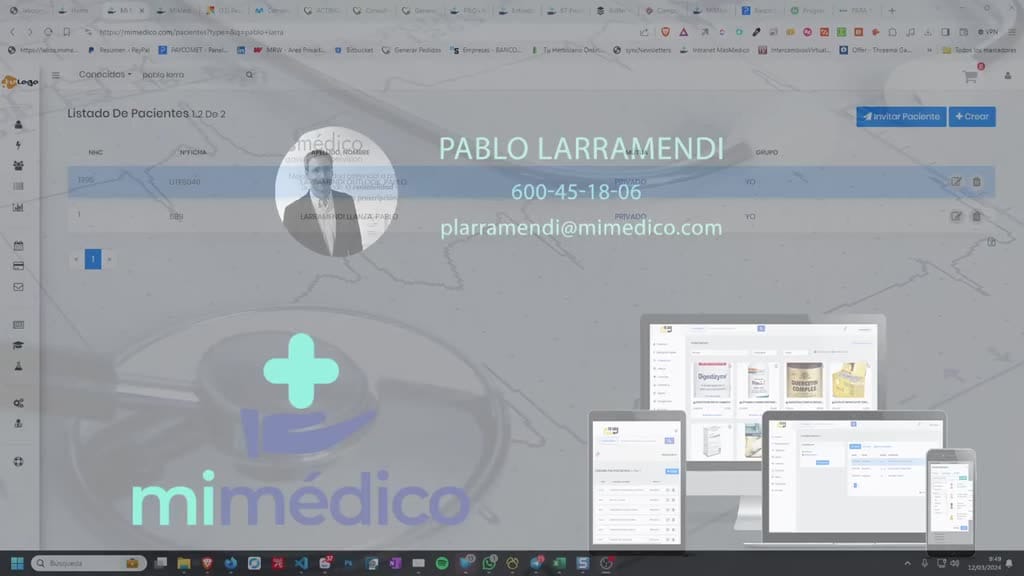
- username and password generated by the platform. We won't have to do anything else, neither platform. We won't have to do anything else, neither enter the username nor the enter the username nor the password, because it will automatically take us to
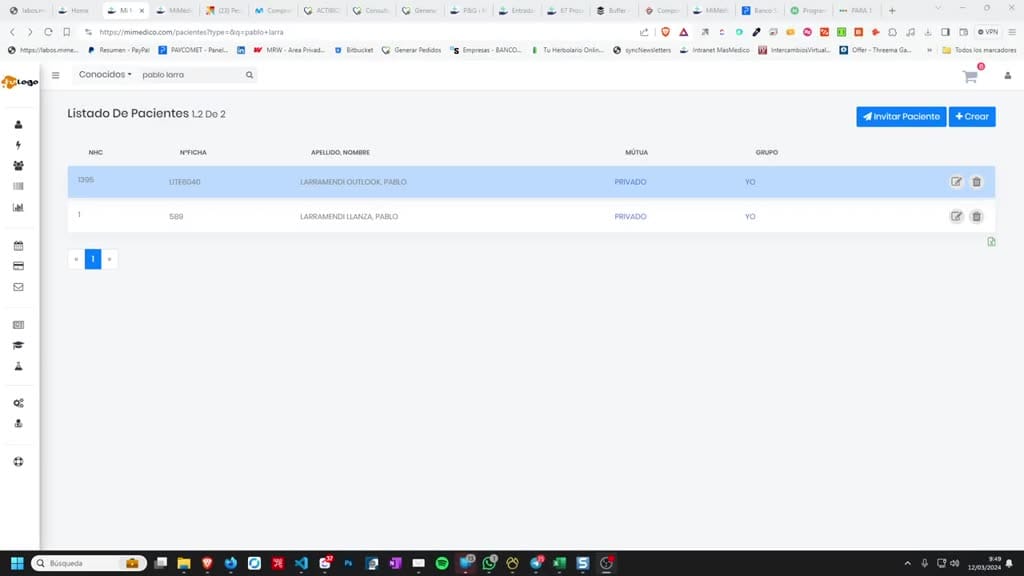
4. Paso 4
- password, because it will automatically take us to this patient page. Once this patient page. Once we are on the we are on the patient page, we can go to their patient page, we can go to their profile and change their username. In the
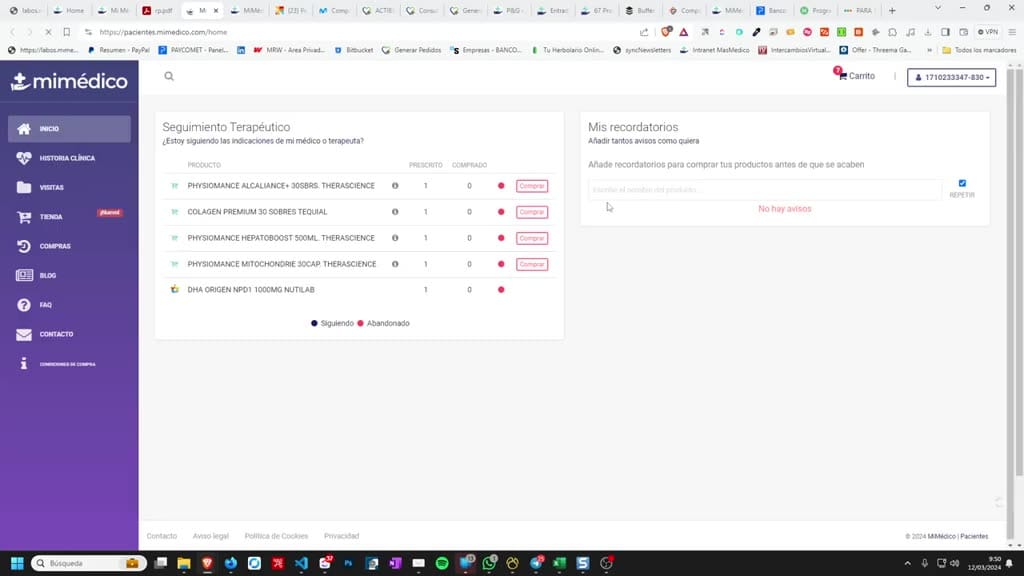
5. Paso 5
- profile and change their username. In the login details, we can change their username and login details, we can change their username and password. The password will be required password. The password will be required twice; that's one way.
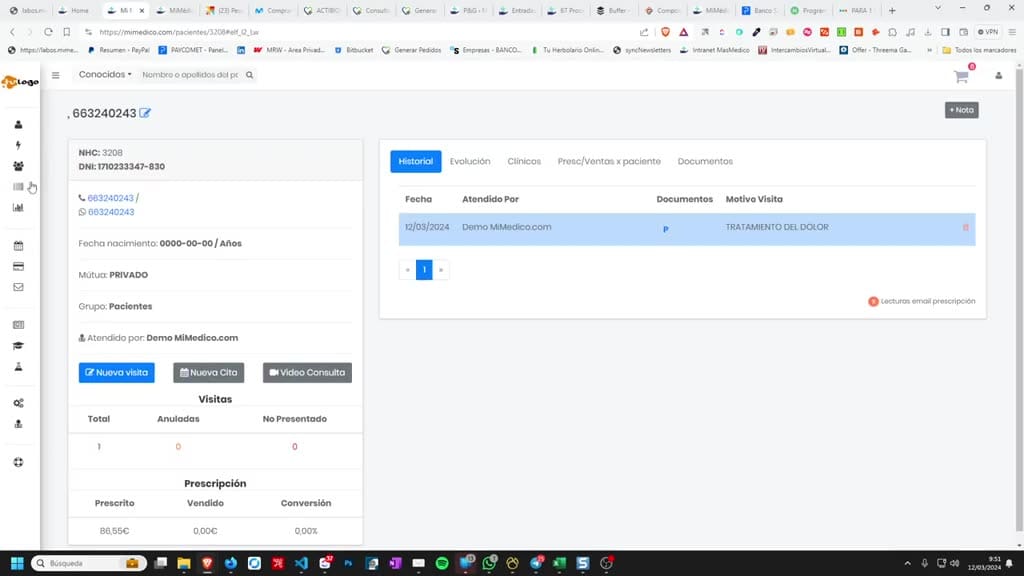
6. Paso 6
- twice; that's one way. Then, patients Then, patients can always recover and generate a new password themselves, even if they don't remember
7. Paso 7
- can always recover and generate a new password themselves, even if they don't remember their login information on the mimed.com patients website. their login information on the mimed.com patients website. How can they find out? By using their username, which
8. Paso 8
- can they find out? By using their username, which is usually their ID number if they were is usually their ID number if they were registered correctly, or their email address. registered correctly, or their email address. They will receive
9. Paso 9
- They will receive password reset instructions by email. password reset instructions by email. Another option is by going to the section... Another option is by going to the section... Statistics on Statistics on pending prescriptions: Here we will
10. Paso 10
- pending prescriptions: Here we will have access to all of have access to all of our patients' prescriptions our patients' prescriptions that have not yet been that have not yet been sold. By clicking on any of sold. By clicking on any of them, we will again
Preguntas frecuentes para soporte
¿Qué explica el tutorial Recuperación contraseña paciente en MiMedico.com?
Normally, when we create a prescription—I've just created an prescription—I've just created an Express prescription—from either the Express prescription or a Express prescription or a regular prescription, regular prescription, if we go into the prescription we if we go into the prescription we created and click on the link, created and click on the link, we can open the webpage with the we can open the webpage with the username and password generated by the username and password generated by the platform. We won't have to do anything else, neither platform. We won't have to do anything else, neither enter the username nor the enter the username nor the password, because it will automatically take us to password, because it will automatically take us to this patient page. Once this patient page. Once we are on the we are on the patient page, we can go to their patient page, we can go to their profile and change their username. In the profile and change their username.
¿Dónde está el material fuente del tutorial?
El paquete local está en /mnt/d/Claude/claude-config/trabajos/MiMedico/Tutoriales/Recuperación contraseña paciente en MiMedico.com y el vídeo fuente es https://www.youtube.com/watch?v=8C7SD64wSnU.
¿Para qué se usa esta fuente en soporte?
Se usa para responder dudas operativas sobre la funcionalidad de MiMedico.com mostrada en el vídeo.
Fuente: vídeo tutorial MiMedico. Material generado automáticamente por Morfeo y sincronizado con la biblioteca Tutoriales MiMedico.com.