Onet facturación
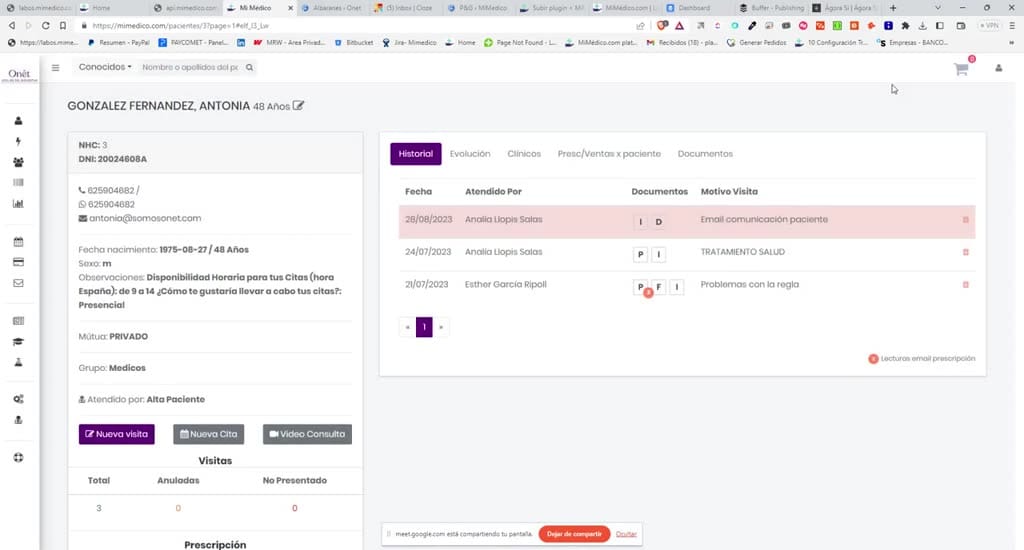
Okay, it's recording now. So let's see see [Music] [Music] how the billing works. how the billing works. Okay, in the left sidebar Okay, in the left sidebar we have a section that says Billing. we have a section that says Billing.
Tutorial MiMedico.com
Guía práctica generada a partir del vídeo tutorial de MiMedico.com.
Resumen
Okay, it's recording now. So let's see see [Music] [Music] how the billing works. how the billing works. Okay, in the left sidebar Okay, in the left sidebar we have a section that says Billing. we have a section that says Billing. Okay, and here what we're going to see is Okay, and here what we're going to see is a list of all the visits that have been a list of all the visits that have been made within the made within the medical follow-up program. Okay, okay, so that we can medical follow-up program. Okay, okay, so that we can bill them or not. That is, bill them or not. That is, so that we can charge a fee or so that we can charge a fee or assign an amount to that visit. assign an amount to that visit. Okay, so the first time of the day we'll Okay, so the first time of the day we'll always have to first click on " always have to first click on " Access Billing" and log in to Access Billing" and log in to the billing program. Okay, once the billing program.
Pasos del tutorial
1. Paso 1
- Okay, it's recording now. So let's see see [Music] [Music] how the billing works. how the billing works. Okay, in the left sidebar Okay, in the left sidebar we have a section that says Billing.
2. Paso 2
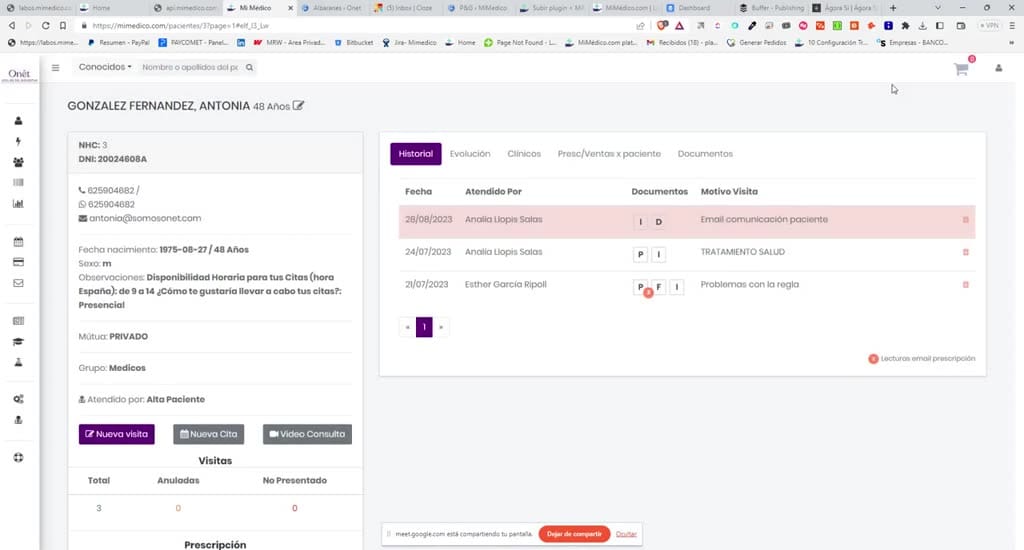
- we have a section that says Billing. Okay, and here what we're going to see is Okay, and here what we're going to see is a list of all the visits that have been a list of all the visits that have been made within the
3. Paso 3
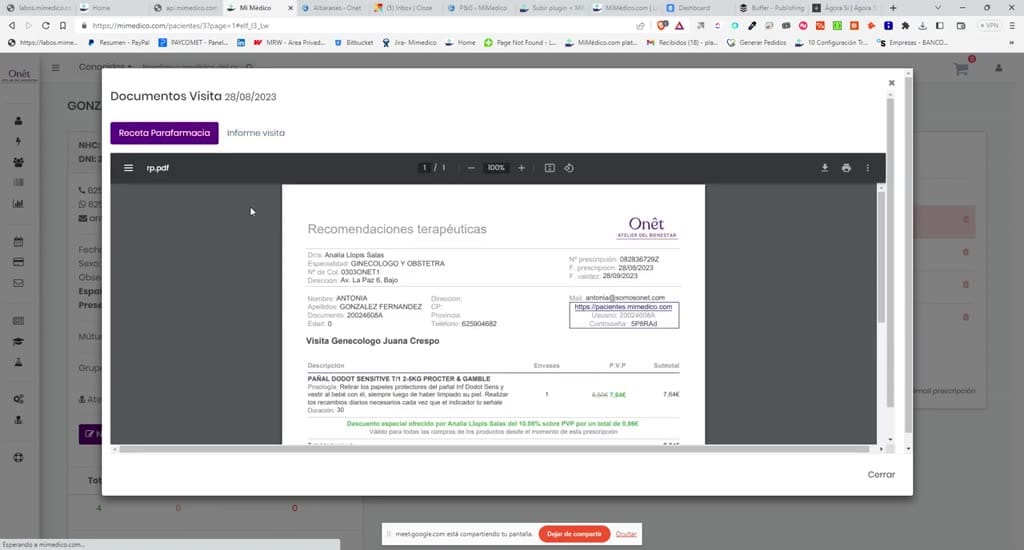
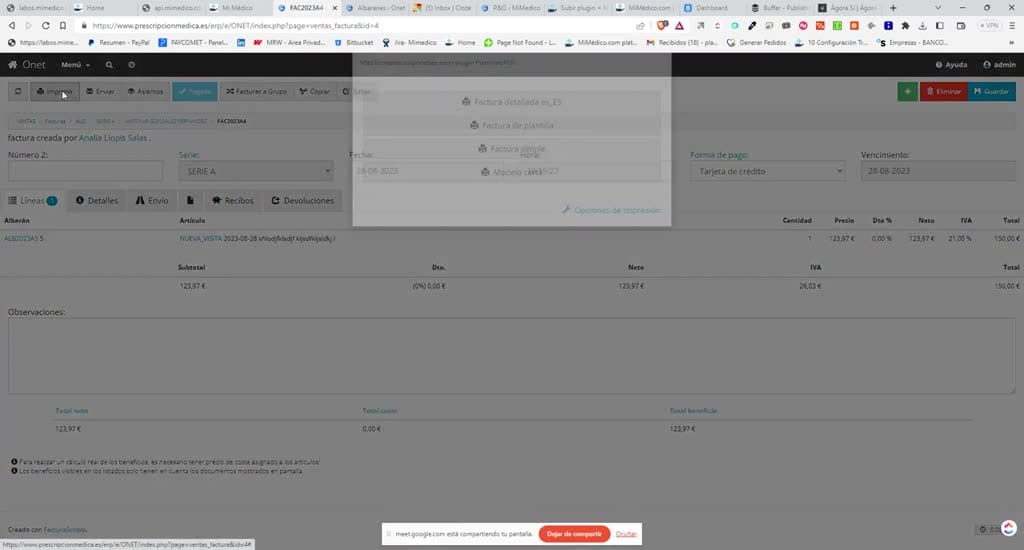
- made within the medical follow-up program. Okay, okay, so that we can medical follow-up program. Okay, okay, so that we can bill them or not. That is, bill them or not. That is, so that we can charge a fee or
4. Paso 4
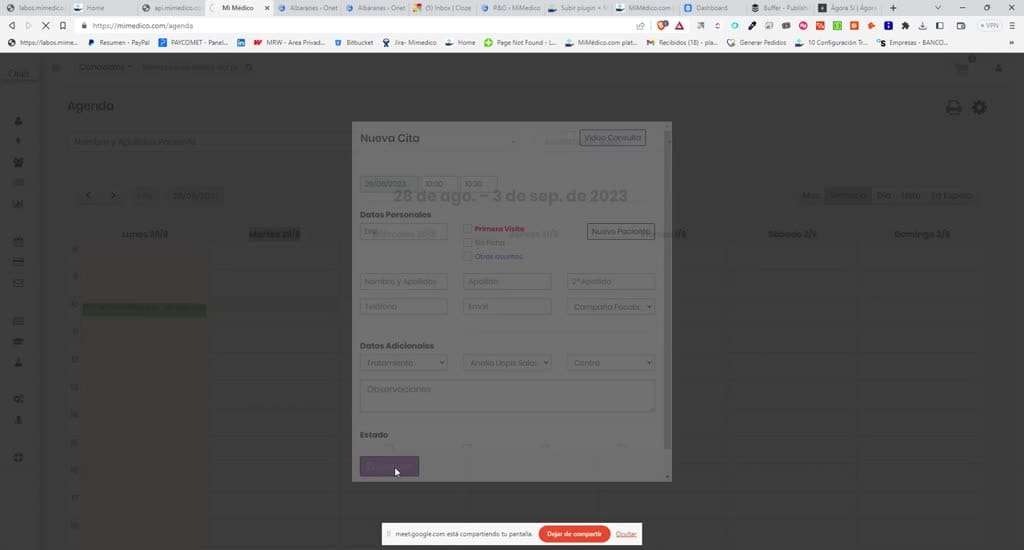
- so that we can charge a fee or assign an amount to that visit. assign an amount to that visit. Okay, so the first time of the day we'll Okay, so the first time of the day we'll always have to first click on "
5. Paso 5
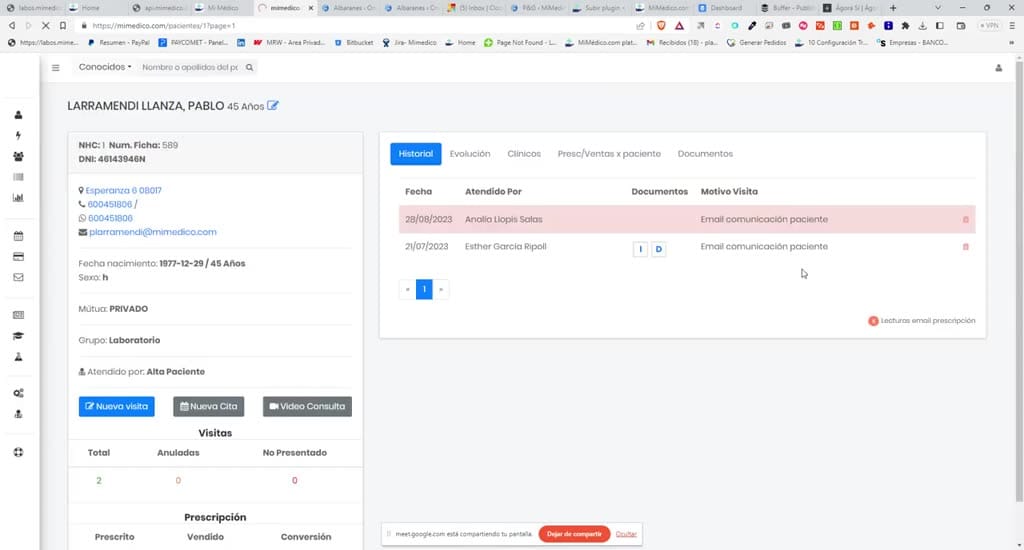
- always have to first click on " Access Billing" and log in to Access Billing" and log in to the billing program. Okay, once the billing program. Okay, once this is done, I can close it and it will recognize
6. Paso 6
- this is done, I can close it and it will recognize the browser cookies and grant me the browser cookies and grant me access. Okay, so here access. Okay, so here we're always going to see the list of
7. Paso 7
- we're always going to see the list of visits for which I haven't told the visits for which I haven't told the program whether or not to bill them. program whether or not to bill them. What do I want or what do I have to do
8. Paso 8
- What do I want or what do I have to do with them? Okay, so you see with them? Okay, so you see here it says "Treatment" and " here it says "Treatment" and " Patient Communication Email," and here it's going to give me
9. Paso 9
- Patient Communication Email," and here it's going to give me two options: either generate a delivery note, that is, two options: either generate a delivery note, that is, assign an amount to this assign an amount to this visit, or choose not to bill and say, "
10. Paso 10
- visit, or choose not to bill and say, " Hey, this doesn't have to be billed." It has Hey, this doesn't have to be billed." It has n't been charged, it won't be charged, and n't been charged, it won't be charged, and nothing will be due to the professional or
Preguntas frecuentes para soporte
¿Qué explica el tutorial Onet facturación?
Okay, it's recording now. So let's see see [Music] [Music] how the billing works. how the billing works. Okay, in the left sidebar Okay, in the left sidebar we have a section that says Billing. we have a section that says Billing. Okay, and here what we're going to see is Okay, and here what we're going to see is a list of all the visits that have been a list of all the visits that have been made within the made within the medical follow-up program. Okay, okay, so that we can medical follow-up program. Okay, okay, so that we can bill them or not. That is, bill them or not. That is, so that we can charge a fee or so that we can charge a fee or assign an amount to that visit. assign an amount to that visit. Okay, so the first time of the day we'll Okay, so the first time of the day we'll always have to first click on " always have to first click on " Access Billing" and log in to Access Billing" and log in to the billing program. Okay, once the billing program.
¿Dónde está el material fuente del tutorial?
El paquete local está en /mnt/d/Claude/claude-config/trabajos/MiMedico/Tutoriales/Onet facturación y el vídeo fuente es https://www.youtube.com/watch?v=VN1n5yYtSYo.
¿Para qué se usa esta fuente en soporte?
Se usa para responder dudas operativas sobre la funcionalidad de MiMedico.com mostrada en el vídeo.
Fuente: vídeo tutorial MiMedico. Material generado automáticamente por Morfeo y sincronizado con la biblioteca Tutoriales MiMedico.com.