Mejora en la agenda MiMédico.com
Welcome to a new video from mydoctor.com. My name is Pablo mydoctor.com. My name is Pablo Larramendi. You can call me at 600 45 18 Larramendi. You can call me at 600 45 18 06 to ask any questions or 06 to ask any questions or email me at peu.larramen
Tutorial MiMedico.com
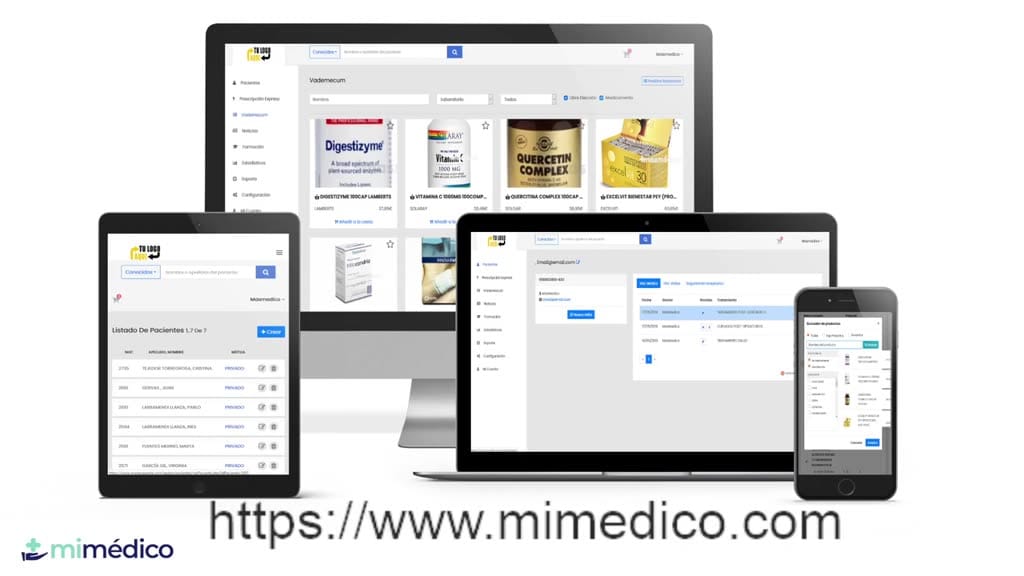
Guía práctica generada a partir del vídeo tutorial de MiMedico.com.
Resumen
Welcome to a new video from mydoctor.com. My name is Pablo mydoctor.com. My name is Pablo Larramendi. You can call me at 600 45 18 Larramendi. You can call me at 600 45 18 06 to ask any questions or 06 to ask any questions or email me at peu.larramendi@mydoctor.com. email me at peu.larramendi@mydoctor.com. Today we're going to Today we're going to show you several new features related to the appointment show you several new features related to the appointment calendar, appointment confirmations, and calendar, appointment confirmations, and patient reminders. As you know, if I patient reminders. As you know, if I go to the appointment calendar section, I can go to the top go to the appointment calendar section, I can go to the top right to "Appointment" right to "Appointment" to see the options. to see the options. Great, now we have several options Great, now we have several options to send to the patient, such as to send to the patient, such as appointment confirmations.
Pasos del tutorial
1. Paso 1
- Welcome to a new video from mydoctor.com. My name is Pablo mydoctor.com. My name is Pablo Larramendi. You can call me at 600 45 18 Larramendi. You can call me at 600 45 18 06 to ask any questions or
2. Paso 2
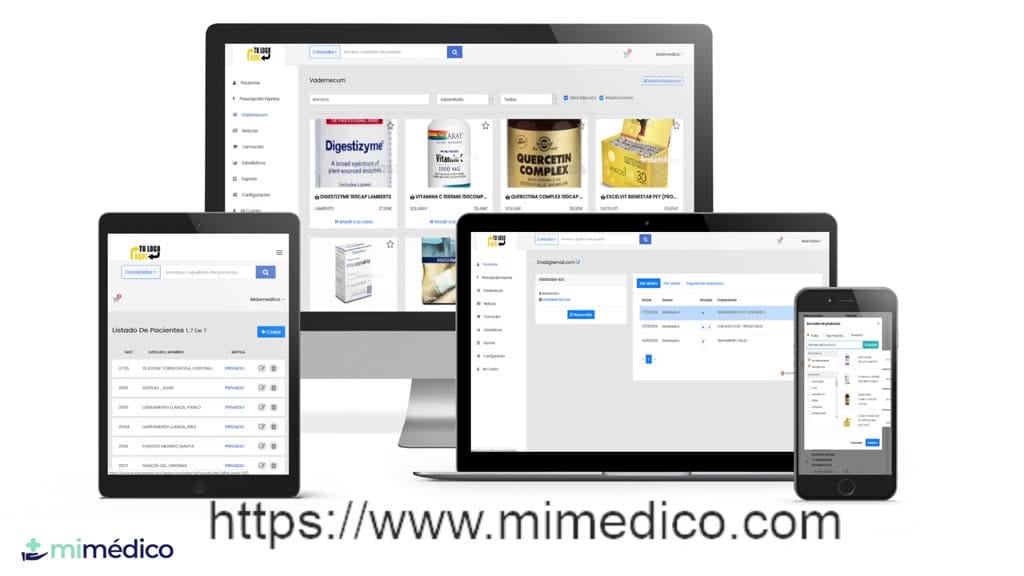
- 06 to ask any questions or email me at peu.larramendi@mydoctor.com. email me at peu.larramendi@mydoctor.com. Today we're going to Today we're going to show you several new features related to the appointment
3. Paso 3
- show you several new features related to the appointment calendar, appointment confirmations, and calendar, appointment confirmations, and patient reminders. As you know, if I
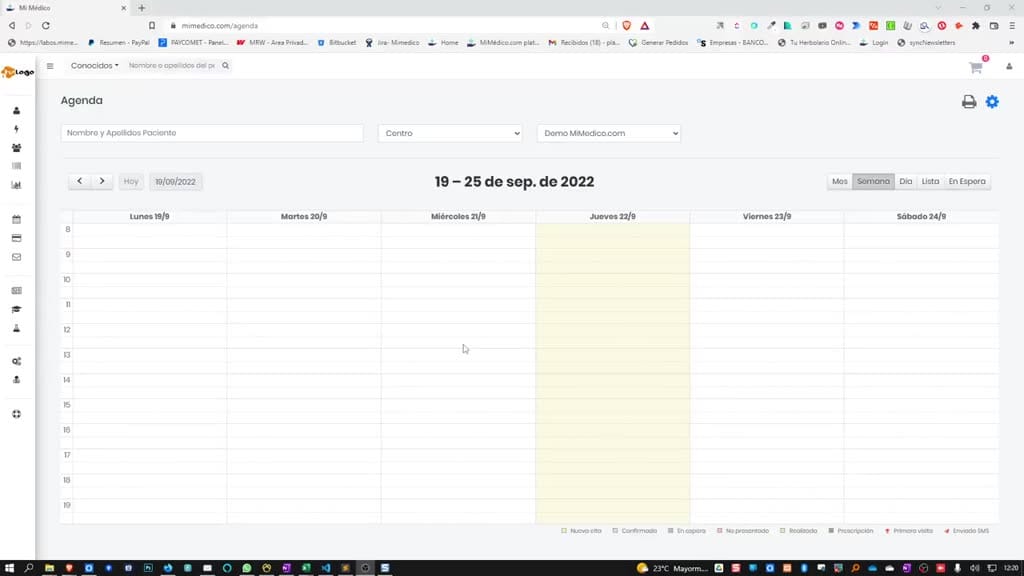
4. Paso 4
- patient reminders. As you know, if I go to the appointment calendar section, I can go to the top go to the appointment calendar section, I can go to the top right to "Appointment" right to "Appointment" to see the options.
5. Paso 5
- to see the options. Great, now we have several options Great, now we have several options to send to the patient, such as to send to the patient, such as appointment confirmations. If I appointment confirmations. If I select this option, every time I create a
6. Paso 6
- select this option, every time I create a new appointment in the calendar or new appointment in the calendar or modify an appointment, the confirmation or modification will be
7. Paso 7
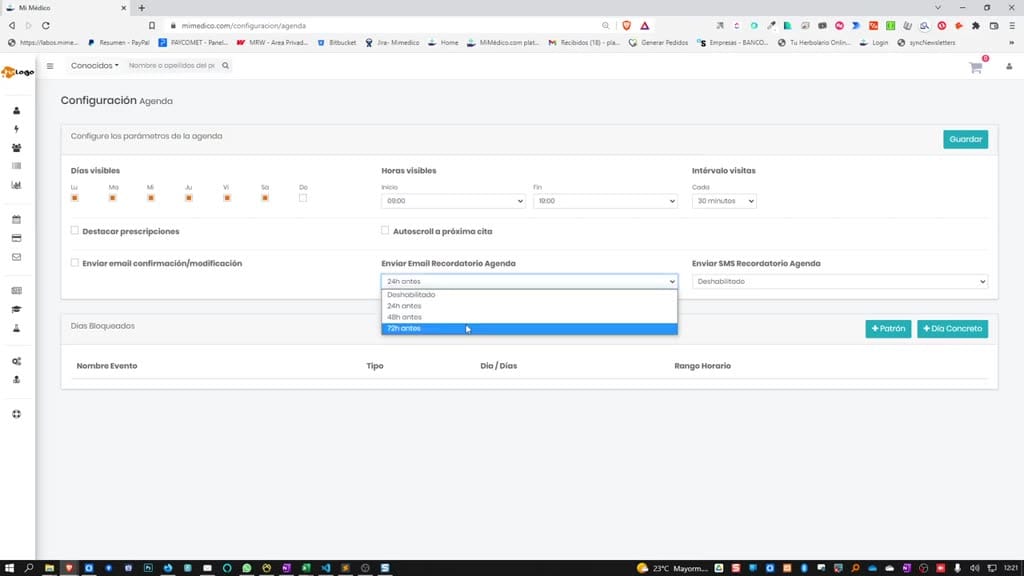
- modify an appointment, the confirmation or modification will be automatically sent to the patient by email. automatically sent to the patient by email. We can also send appointment reminders by email to our patients. We
8. Paso 8
- appointment reminders by email to our patients. We can configure this, can configure this, disable it, or set it to 24, disable it, or set it to 24, 48, or 72 hours in advance, just like 48, or 72 hours in advance, just like we did with SMS reminders.
9. Paso 9
- we did with SMS reminders. Remember that email is free, and Remember that email is free, and sending SMS messages is pay-per-use. That is, sending SMS messages is pay-per-use. That is, if I click "Send SMS," it if I click "Send SMS," it will... I'm
10. Paso 10
- will... I'm going to have to buy SMS credits going to have to buy SMS credits to send that reminder to send that reminder via SMS. Okay, so I via SMS. Okay, so I hope you liked hope you liked this improvement and I'll see you soon in another
Preguntas frecuentes para soporte
¿Qué explica el tutorial Mejora en la agenda MiMédico.com?
Welcome to a new video from mydoctor.com. My name is Pablo mydoctor.com. My name is Pablo Larramendi. You can call me at 600 45 18 Larramendi. You can call me at 600 45 18 06 to ask any questions or 06 to ask any questions or email me at peu.larramendi@mydoctor.com. email me at peu.larramendi@mydoctor.com. Today we're going to Today we're going to show you several new features related to the appointment show you several new features related to the appointment calendar, appointment confirmations, and calendar, appointment confirmations, and patient reminders. As you know, if I patient reminders. As you know, if I go to the appointment calendar section, I can go to the top go to the appointment calendar section, I can go to the top right to "Appointment" right to "Appointment" to see the options. to see the options. Great, now we have several options Great, now we have several options to send to the patient, such as to send to the patient, such as appointment confirmations.
¿Dónde está el material fuente del tutorial?
El paquete local está en /mnt/d/Claude/claude-config/trabajos/MiMedico/Tutoriales/Mejora en la agenda MiMédico.com y el vídeo fuente es https://www.youtube.com/watch?v=0BOqYg8Mg2Y.
¿Para qué se usa esta fuente en soporte?
Se usa para responder dudas operativas sobre la funcionalidad de MiMedico.com mostrada en el vídeo.
Fuente: vídeo tutorial MiMedico. Material generado automáticamente por Morfeo y sincronizado con la biblioteca Tutoriales MiMedico.com.