Incidencia Transporte MRW
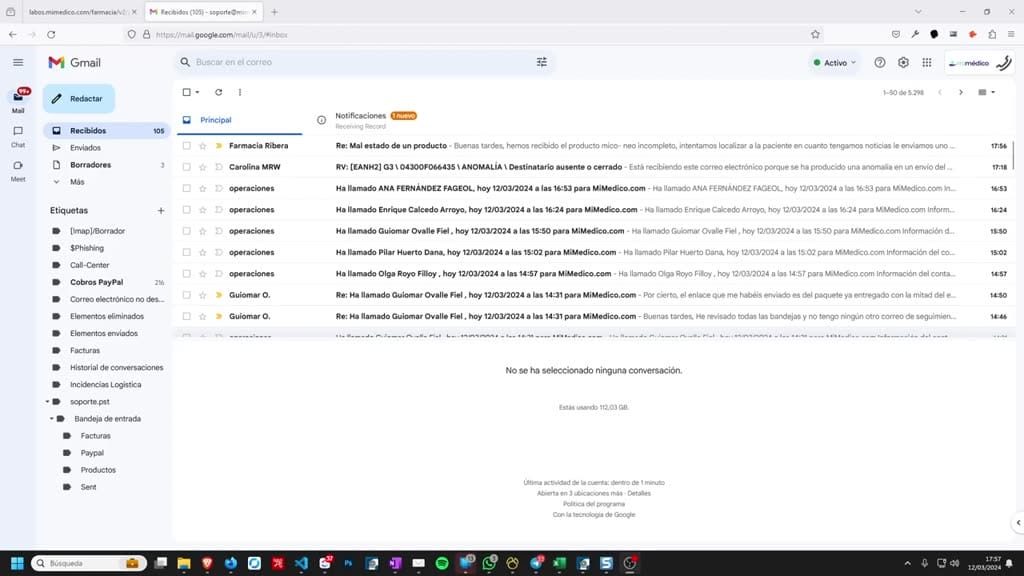
How to resolve a transport issue: Sometimes transport issue: Sometimes transport companies like transport companies like MVR send us an email saying " MVR send us an email saying " recipient absent" or "closed," and the recipient absent" or "closed,"
Tutorial MiMedico.com
Guía práctica generada a partir del vídeo tutorial de MiMedico.com.
Resumen
How to resolve a transport issue: Sometimes transport issue: Sometimes transport companies like transport companies like MVR send us an email saying " MVR send us an email saying " recipient absent" or "closed," and the recipient absent" or "closed," and the recipient's details don't appear. Okay, so recipient's details don't appear. Okay, so what I usually do is copy what I usually do is copy the phone number. We copy the the phone number. We copy the phone number, go to the lab application, phone number, go to the lab application, and go to "Transport Processing." In the lab application, in all the orders that are in in all the orders that are in process, I search by process, I search by phone number. The patient appears. I enter the phone number. The patient appears. I enter the prescription and say " prescription and say " transport issue." I usually also copy the transport issue." I usually also copy the email.
Pasos del tutorial
1. Paso 1
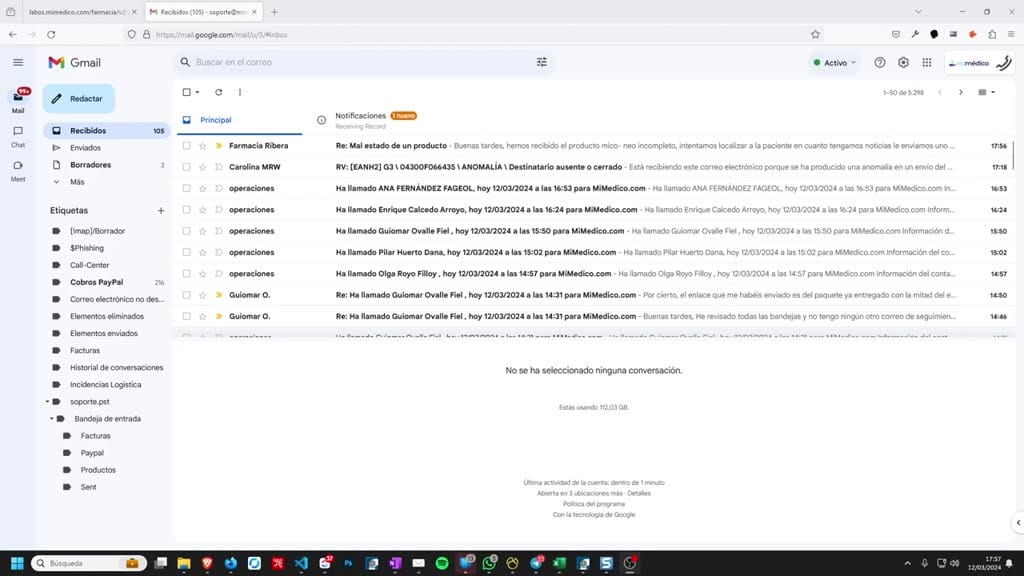
- How to resolve a transport issue: Sometimes transport issue: Sometimes transport companies like transport companies like MVR send us an email saying " MVR send us an email saying " recipient absent" or "closed," and the
2. Paso 2
- recipient absent" or "closed," and the recipient's details don't appear. Okay, so recipient's details don't appear. Okay, so what I usually do is copy what I usually do is copy the phone number. We copy the
3. Paso 3
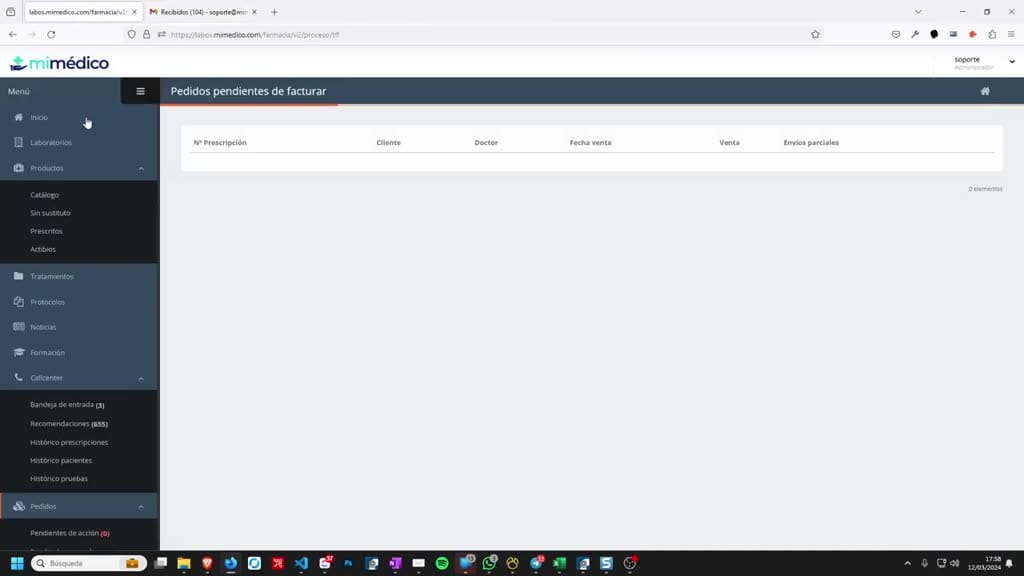
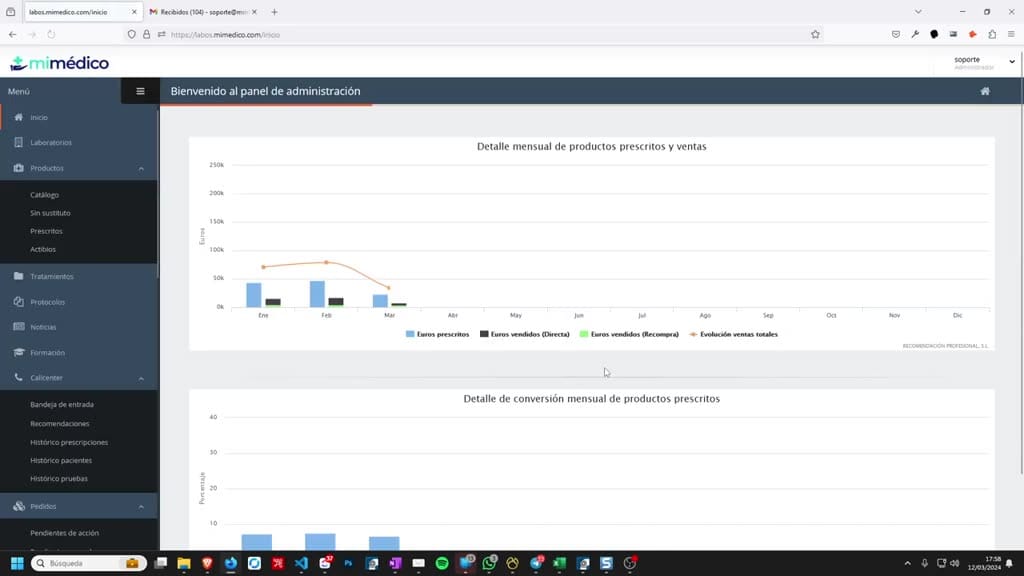
- the phone number. We copy the phone number, go to the lab application, phone number, go to the lab application, and go to "Transport Processing." In the lab application, in all the orders that are in in all the orders that are in process, I search by
4. Paso 4
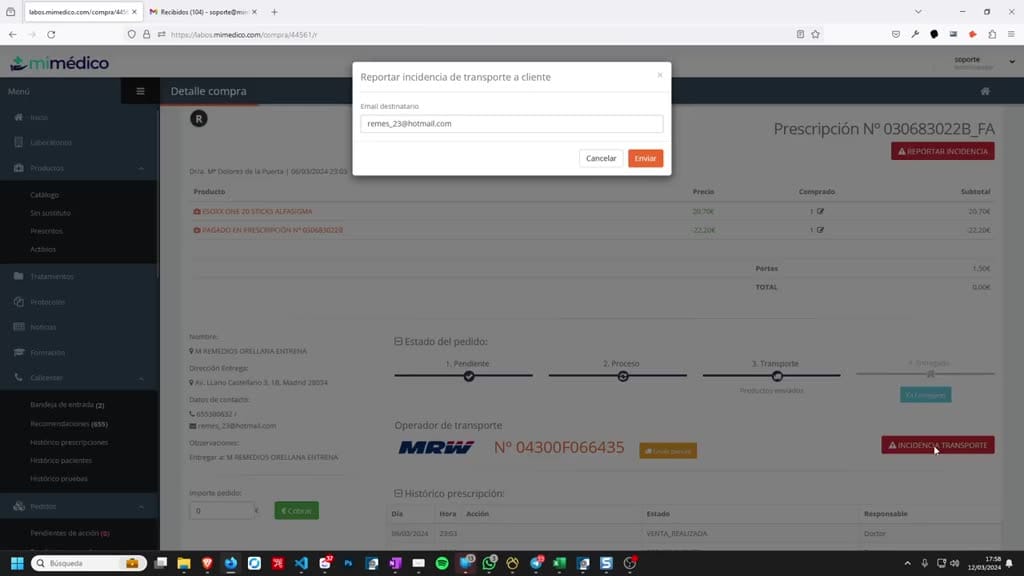
- process, I search by phone number. The patient appears. I enter the phone number. The patient appears. I enter the prescription and say " prescription and say " transport issue." I usually also copy the transport issue." I usually also copy the
5. Paso 5
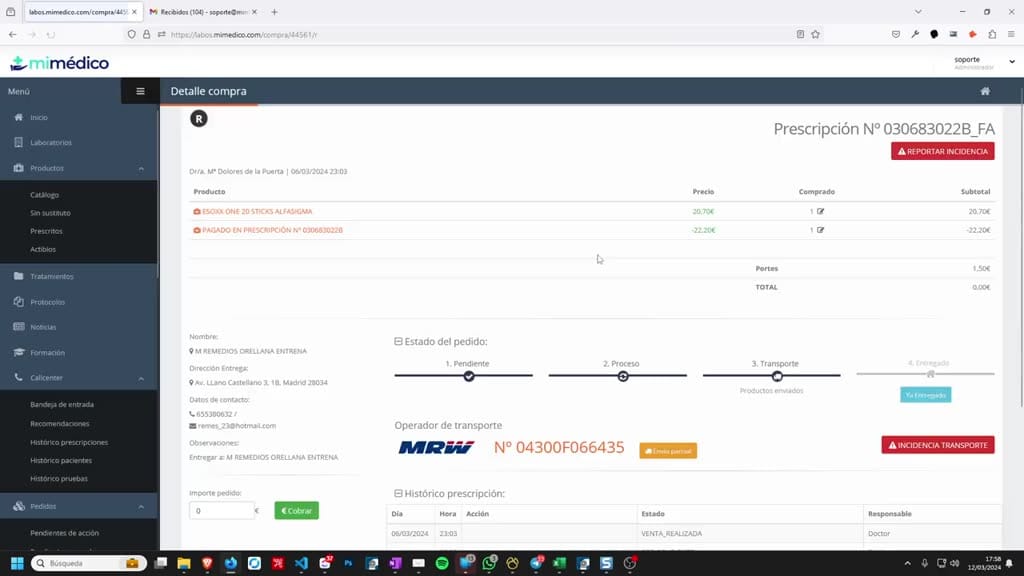
- email. We confirm that we're going to send the We confirm that we're going to send the email, and what I usually do is email, and what I usually do is forward it directly to the patient so they know, and then, since I've already
6. Paso 6
- patient so they know, and then, since I've already handled it, I handled it, I delete it.
Preguntas frecuentes para soporte
¿Qué explica el tutorial Incidencia Transporte MRW?
How to resolve a transport issue: Sometimes transport issue: Sometimes transport companies like transport companies like MVR send us an email saying " MVR send us an email saying " recipient absent" or "closed," and the recipient absent" or "closed," and the recipient's details don't appear. Okay, so recipient's details don't appear. Okay, so what I usually do is copy what I usually do is copy the phone number. We copy the the phone number. We copy the phone number, go to the lab application, phone number, go to the lab application, and go to "Transport Processing." In the lab application, in all the orders that are in in all the orders that are in process, I search by process, I search by phone number. The patient appears. I enter the phone number. The patient appears. I enter the prescription and say " prescription and say " transport issue." I usually also copy the transport issue." I usually also copy the email.
¿Dónde está el material fuente del tutorial?
El paquete local está en /mnt/d/Claude/claude-config/trabajos/MiMedico/Tutoriales/Incidencia Transporte MRW y el vídeo fuente es https://www.youtube.com/watch?v=fysHXcM_SeU.
¿Para qué se usa esta fuente en soporte?
Se usa para responder dudas operativas sobre la funcionalidad de MiMedico.com mostrada en el vídeo.
Fuente: vídeo tutorial MiMedico. Material generado automáticamente por Morfeo y sincronizado con la biblioteca Tutoriales MiMedico.com.