Formacion Clinica Arquer
Good morning. This is a video tutorial for the mimed.com platform. My name is Pablo the mimed.com platform. My name is Pablo Larramendi, and I will be available to help you with Larramendi, and I will be available to help you with support for using a
Tutorial MiMedico.com
Guía práctica generada a partir del vídeo tutorial de MiMedico.com.
Resumen
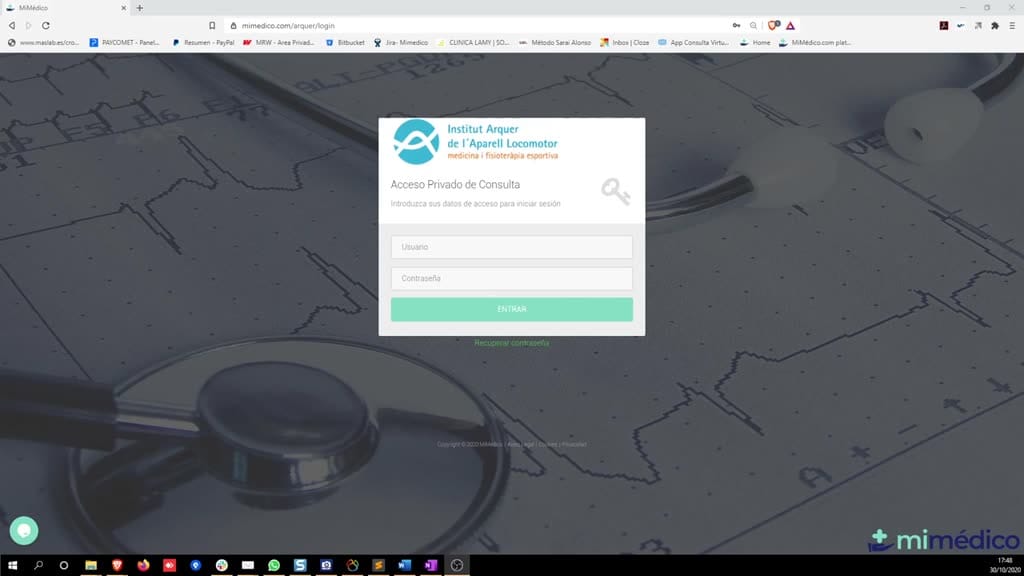
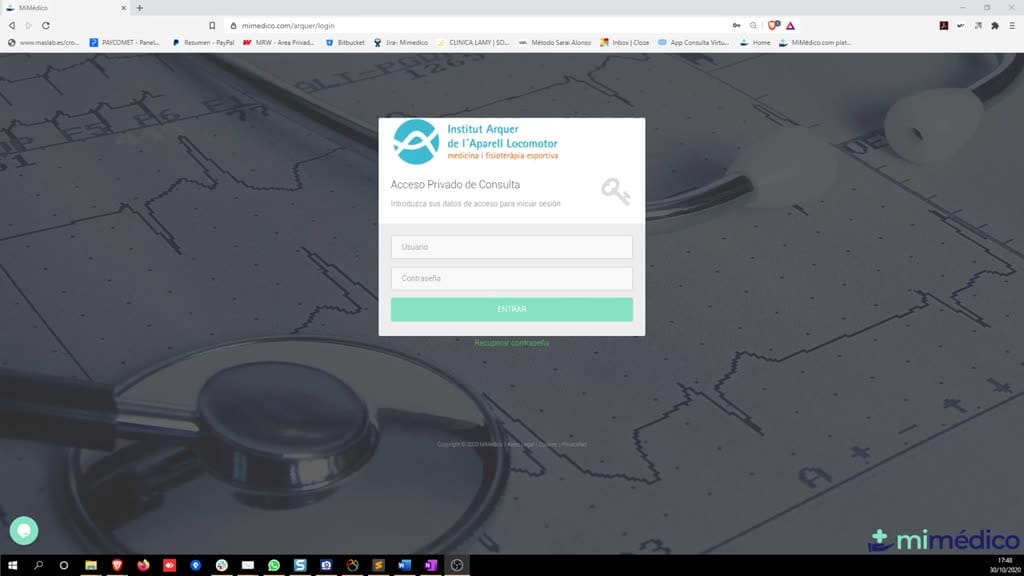
Good morning. This is a video tutorial for the mimed.com platform. My name is Pablo the mimed.com platform. My name is Pablo Larramendi, and I will be available to help you with Larramendi, and I will be available to help you with support for using and configuring the application. You can call me the application. You can call me anytime at 600 anytime at 600 45106 or email me at pelarramendi 45106 or email me at pelarramendi @medicendai. The software used at the Arer Institute. We will need to open any Arer Institute. We will need to open any internet browser, preferably internet browser, preferably Firefox or Google Chrome, and enter the Firefox or Google Chrome, and enter the address I will send you by email: address I will send you by email: mimed.com. Click "login." Okay, once we mimed.com.
Pasos del tutorial
1. Paso 1
- Good morning. This is a video tutorial for the mimed.com platform. My name is Pablo the mimed.com platform. My name is Pablo Larramendi, and I will be available to help you with Larramendi, and I will be available to help you with
2. Paso 2
- support for using and configuring the application. You can call me the application. You can call me anytime at 600 anytime at 600 45106 or email me at pelarramendi 45106 or email me at pelarramendi @medicendai.
3. Paso 3
- The software used at the Arer Institute. We will need to open any Arer Institute. We will need to open any internet browser, preferably internet browser, preferably Firefox or Google Chrome, and enter the
4. Paso 4
- Firefox or Google Chrome, and enter the address I will send you by email: address I will send you by email: mimed.com. Click "login." Okay, once we mimed.com. Click "login." Okay, once we are there, it will ask for your username (I'm going to
5. Paso 5
- are there, it will ask for your username (I'm going to use Álvaro's) and password, which I use Álvaro's) and password, which I will also send to will also send to each of you by email. Click "
6. Paso 6
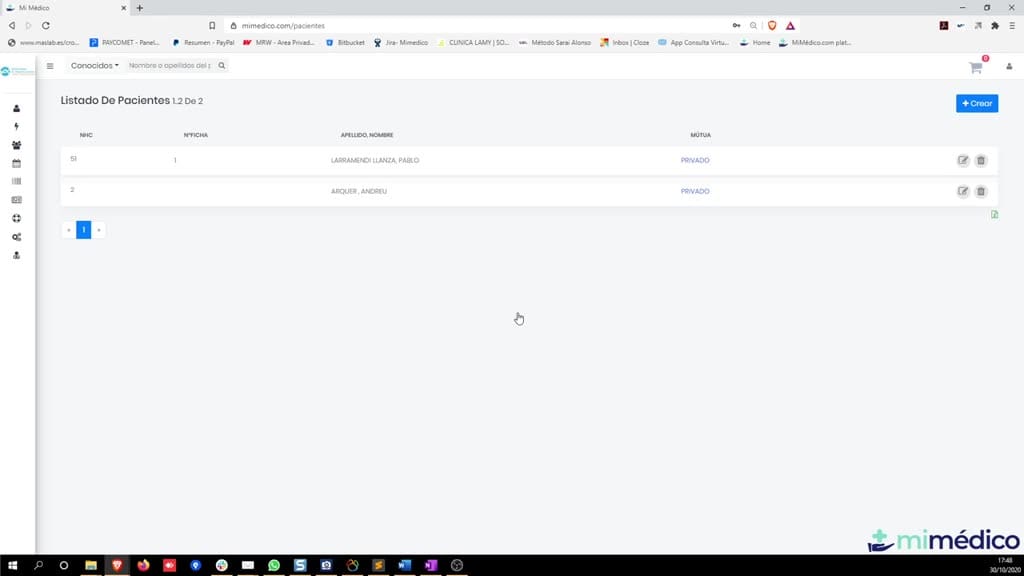
- each of you by email. Click " enter." Okay, once you are in, until we enter." Okay, once you are in, until we have the integration done, it will be have the integration done, it will be best to use the second
7. Paso 7
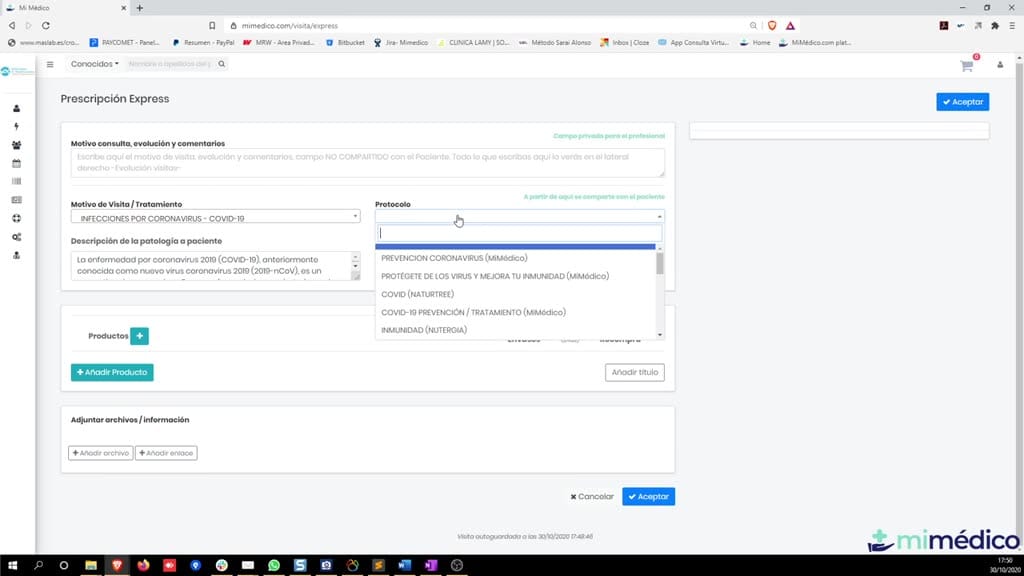
- best to use the second option on the left sidebar menu, which is " option on the left sidebar menu, which is " Express Prescription." To make a recommendation to any of our patients, all we any of our patients, all we have to do is... We have
8. Paso 8
- have to do is... We have two ways to make the two ways to make the prescription: either leave the "reason for prescription: either leave the "reason for consultation" and the "treatment" in the
9. Paso 9
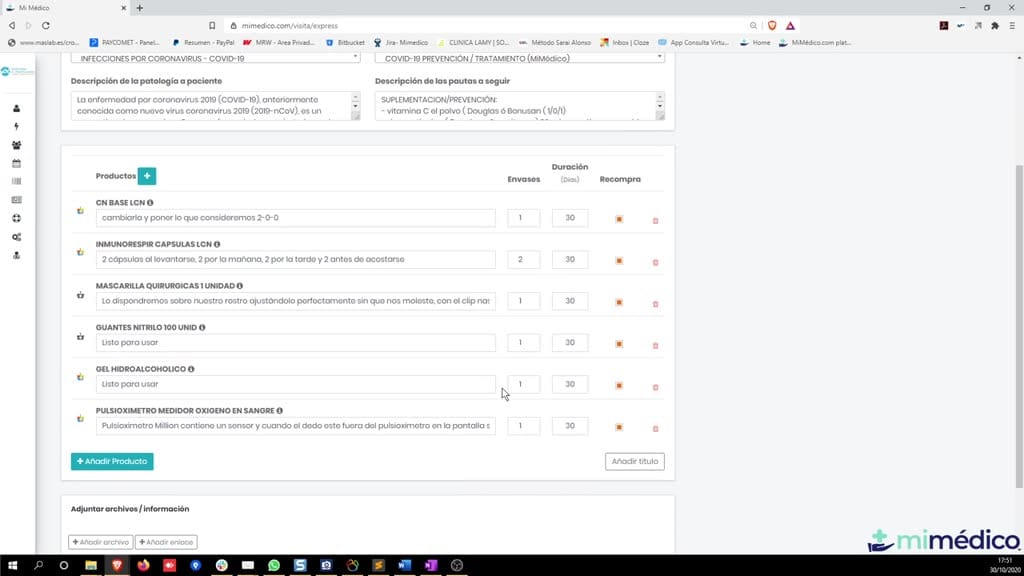
- consultation" and the "treatment" in the default "health" field. It's like default "health" field. It's like saying nothing, it's a catch-all, and you saying nothing, it's a catch-all, and you simply click the plus sign for Add
10. Paso 10
- simply click the plus sign for Add Products or the Add Products button, Products or the Add Products button, and a Product Search engine appears. Here and a Product Search engine appears. Here we can search for a product by
Preguntas frecuentes para soporte
¿Qué explica el tutorial Formacion Clinica Arquer?
Good morning. This is a video tutorial for the mimed.com platform. My name is Pablo the mimed.com platform. My name is Pablo Larramendi, and I will be available to help you with Larramendi, and I will be available to help you with support for using and configuring the application. You can call me the application. You can call me anytime at 600 anytime at 600 45106 or email me at pelarramendi 45106 or email me at pelarramendi @medicendai. The software used at the Arer Institute. We will need to open any Arer Institute. We will need to open any internet browser, preferably internet browser, preferably Firefox or Google Chrome, and enter the Firefox or Google Chrome, and enter the address I will send you by email: address I will send you by email: mimed.com. Click "login." Okay, once we mimed.com.
¿Dónde está el material fuente del tutorial?
El paquete local está en /mnt/d/Claude/claude-config/trabajos/MiMedico/Tutoriales/Formacion Clinica Arquer y el vídeo fuente es https://www.youtube.com/watch?v=9AJL7JgVkIs.
¿Para qué se usa esta fuente en soporte?
Se usa para responder dudas operativas sobre la funcionalidad de MiMedico.com mostrada en el vídeo.
Fuente: vídeo tutorial MiMedico. Material generado automáticamente por Morfeo y sincronizado con la biblioteca Tutoriales MiMedico.com.