Facturar a paciente desde el listado de visitas pendientes de facturar
Welcome to a new tutorial from mydoctor.com. My name is Pablo mydoctor.com. My name is Pablo Larramendi. Larramendi. You can contact me with any questions You can contact me with any questions by phone or email, using the addresses by phone or email,
Tutorial MiMedico.com
Guía práctica generada a partir del vídeo tutorial de MiMedico.com.
Resumen
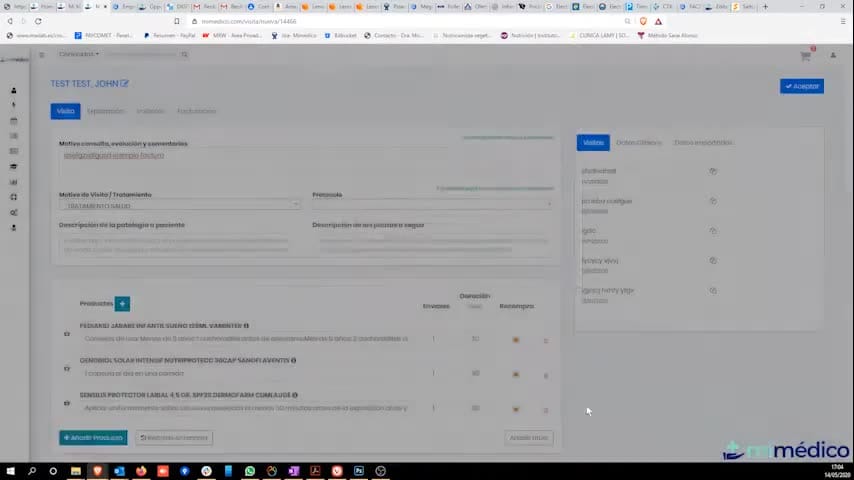
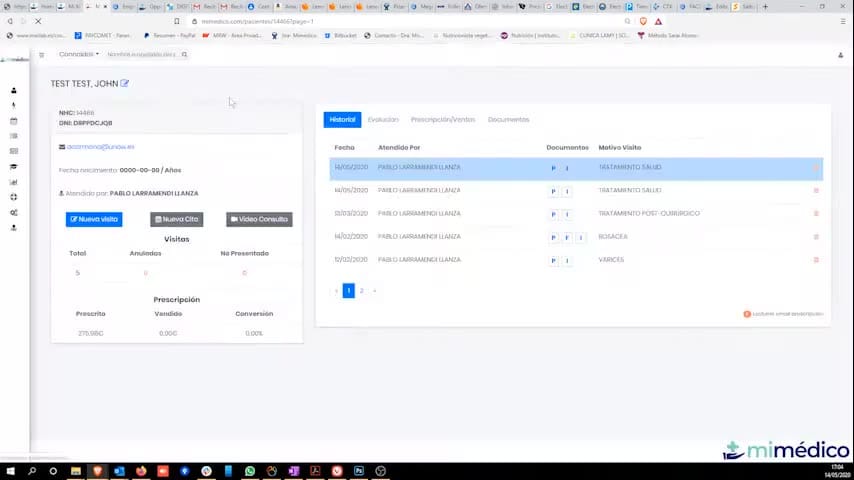
Welcome to a new tutorial from mydoctor.com. My name is Pablo mydoctor.com. My name is Pablo Larramendi. Larramendi. You can contact me with any questions You can contact me with any questions by phone or email, using the addresses by phone or email, using the addresses shown on screen. shown on screen. Today we're going to see how to create invoices and make sure we don't Today we're going to see how to create invoices and make sure we don't forget to invoice any of the forget to invoice any of the visits we've made. We'll do this visits we've made. We'll do this from a list, which will be much easier from a list, which will be much easier if we go to... I've already created one. Let's create one: create one: the same patient, the same patient, a new visit, prescribed, whatever it is we've done, a complete visit. This list will show, as always, the generated documents. Okay, generated documents. Okay, now we can go to billing statistics. billing statistics.
Pasos del tutorial
1. Paso 1
- Welcome to a new tutorial from mydoctor.com. My name is Pablo mydoctor.com. My name is Pablo Larramendi. Larramendi. You can contact me with any questions You can contact me with any questions by phone or email, using the addresses
2. Paso 2
- by phone or email, using the addresses shown on screen. shown on screen. Today we're going to see how to create invoices and make sure we don't Today we're going to see how to create invoices and make sure we don't forget to invoice any of the
3. Paso 3
- forget to invoice any of the visits we've made. We'll do this visits we've made. We'll do this from a list, which will be much easier from a list, which will be much easier if we go to... I've already created one. Let's create one:
4. Paso 4
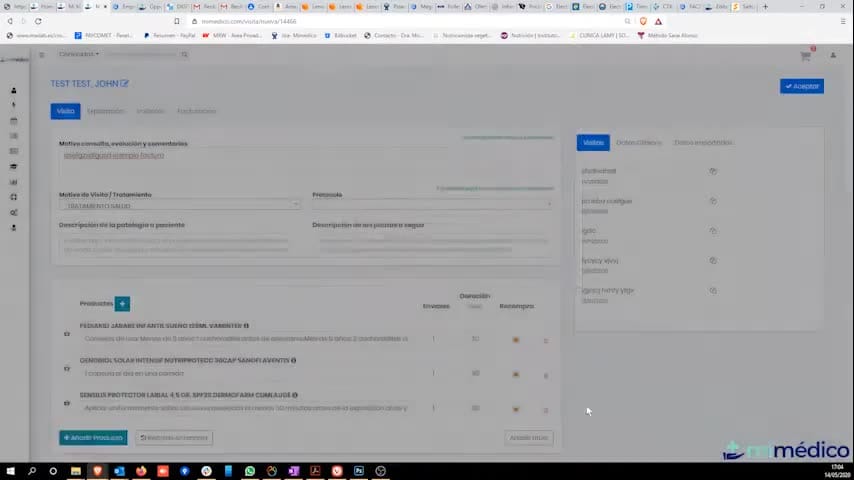
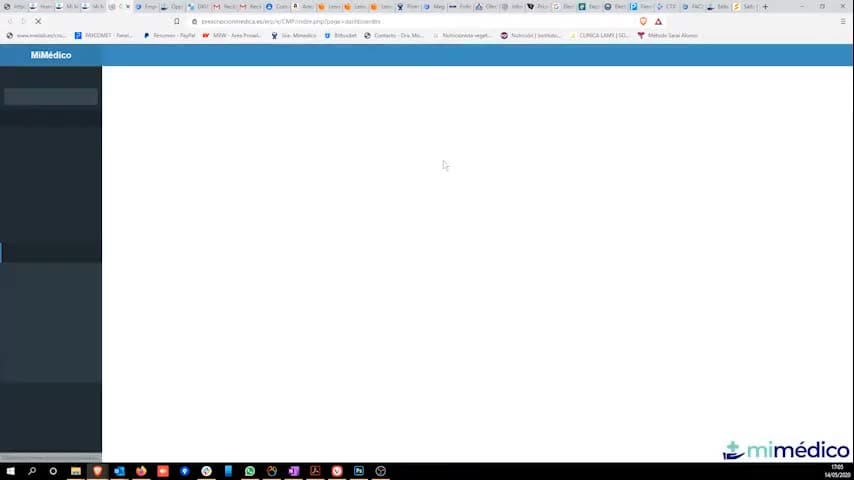
- create one: the same patient, the same patient, a new visit, prescribed, whatever it is we've done, a complete visit. This list will show, as always, the generated documents. Okay, generated documents. Okay, now we can go to billing statistics.
5. Paso 5
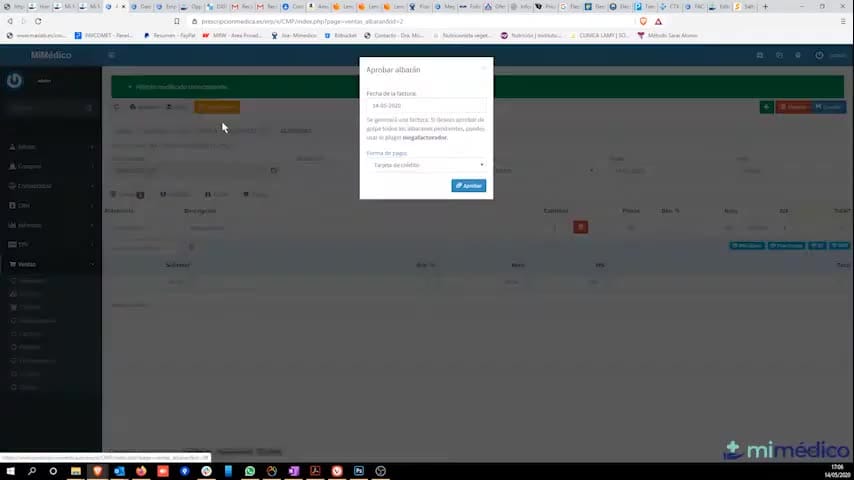
- billing statistics. In this list are all the In this list are all the actual visits I've made that I haven't actual visits I've made that I haven't assigned a delivery note to. The first time we access it for the day, the important thing is to first access
6. Paso 6
- important thing is to first access billing so Carlos can guide us. We billing so Carlos can guide us. We The point is that this list should be empty. In this list, we can do be empty. In this list, we can do two things: either send it to the
7. Paso 7
- two things: either send it to the accounting program to generate delivery notes accounting program to generate delivery notes and tell it that, for whatever reason, we're
8. Paso 8
- and tell it that, for whatever reason, we're not going to invoice this visit, and what it will do is not going to invoice this visit, and what it will do is remove these visits from the list of pending visits. The idea is to have this
9. Paso 9
- pending visits. The idea is to have this list empty. To know what has been invoiced for the list empty. To know what has been invoiced for the 1st of the month, how often do you do this? So, if I select the So, if I select the example visit we made to Test
10. Paso 10
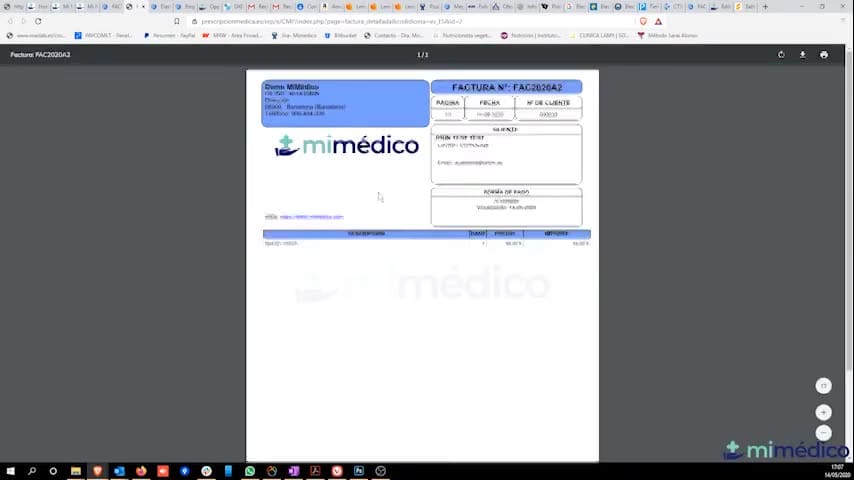
- example visit we made to Test Station today at General Bar, it will Station today at General Bar, it will open the accounting program tab, open the accounting program tab, a sales slip in the name of John Test with the concept of "new visit." I
Preguntas frecuentes para soporte
¿Qué explica el tutorial Facturar a paciente desde el listado de visitas pendientes de facturar?
Welcome to a new tutorial from mydoctor.com. My name is Pablo mydoctor.com. My name is Pablo Larramendi. Larramendi. You can contact me with any questions You can contact me with any questions by phone or email, using the addresses by phone or email, using the addresses shown on screen. shown on screen. Today we're going to see how to create invoices and make sure we don't Today we're going to see how to create invoices and make sure we don't forget to invoice any of the forget to invoice any of the visits we've made. We'll do this visits we've made. We'll do this from a list, which will be much easier from a list, which will be much easier if we go to... I've already created one. Let's create one: create one: the same patient, the same patient, a new visit, prescribed, whatever it is we've done, a complete visit. This list will show, as always, the generated documents. Okay, generated documents. Okay, now we can go to billing statistics. billing statistics.
¿Dónde está el material fuente del tutorial?
El paquete local está en /mnt/d/Claude/claude-config/trabajos/MiMedico/Tutoriales/Facturar a paciente desde el listado de visitas pendientes de facturar y el vídeo fuente es https://www.youtube.com/watch?v=MkQyEqAVImM.
¿Para qué se usa esta fuente en soporte?
Se usa para responder dudas operativas sobre la funcionalidad de MiMedico.com mostrada en el vídeo.
Fuente: vídeo tutorial MiMedico. Material generado automáticamente por Morfeo y sincronizado con la biblioteca Tutoriales MiMedico.com.