Ejemplo TIMP / MiMedico
Okay David, I'll record a short video of what we want to do. The idea, as I what we want to do. The idea, as I 've said, is that our client, 've said, is that our client, which we which we share, will register patients share, will register patients i
Tutorial MiMedico.com
Guía práctica generada a partir del vídeo tutorial de MiMedico.com.
Resumen
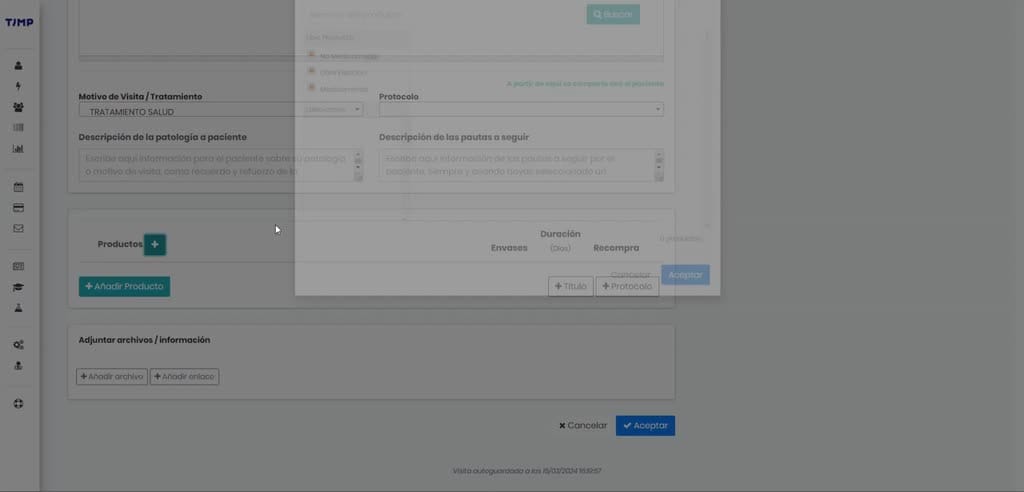
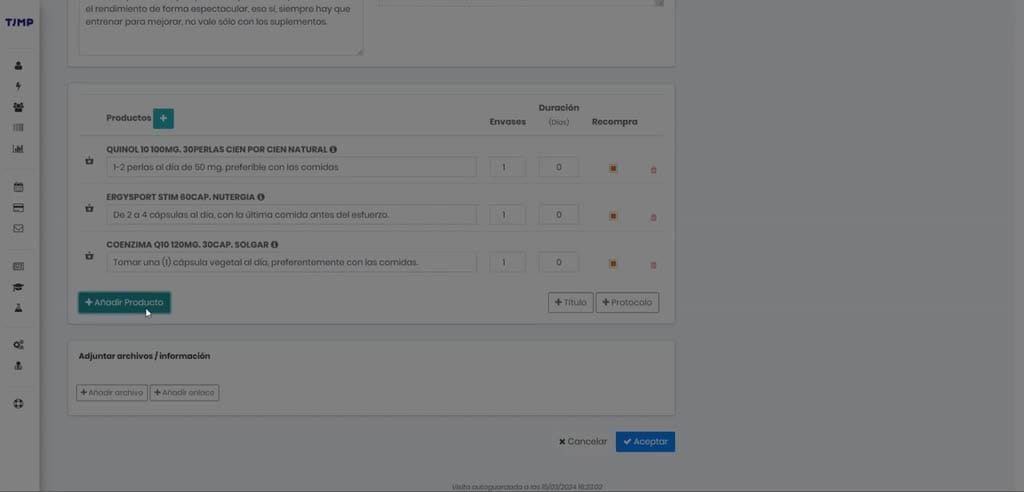
Okay David, I'll record a short video of what we want to do. The idea, as I what we want to do. The idea, as I 've said, is that our client, 've said, is that our client, which we which we share, will register patients share, will register patients in Timp, and Timp will automatically in Timp, and Timp will automatically send them to my doctor, and they'll appear here on the send them to my doctor, and they'll appear here on the patient list. Once a patient list. Once a patient appears on this list, patient appears on this list, the professional will the professional will click on "New Visit." Okay, click on "New Visit." Okay, and during the visit, they'll be able to and during the visit, they'll be able to enter a reason for enter a reason for consultation, progress notes, and comments, and they'll be consultation, progress notes, and comments, and they'll be able to prescribe. They can prescribe in two able to prescribe.
Pasos del tutorial
1. Paso 1
- Okay David, I'll record a short video of what we want to do. The idea, as I what we want to do. The idea, as I 've said, is that our client, 've said, is that our client, which we which we share, will register patients
2. Paso 2
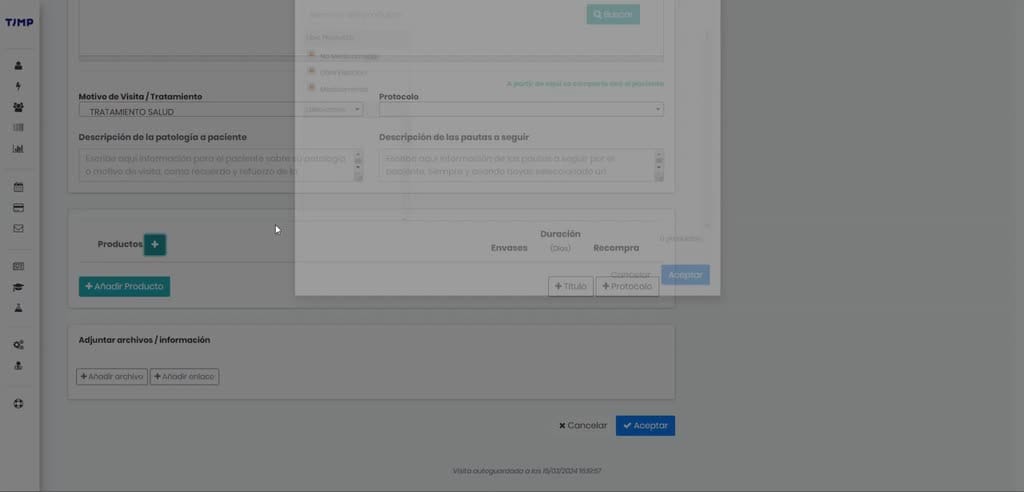
- share, will register patients in Timp, and Timp will automatically in Timp, and Timp will automatically send them to my doctor, and they'll appear here on the send them to my doctor, and they'll appear here on the patient list. Once a
3. Paso 3
- patient list. Once a patient appears on this list, patient appears on this list, the professional will the professional will click on "New Visit." Okay, click on "New Visit." Okay, and during the visit, they'll be able to
4. Paso 4
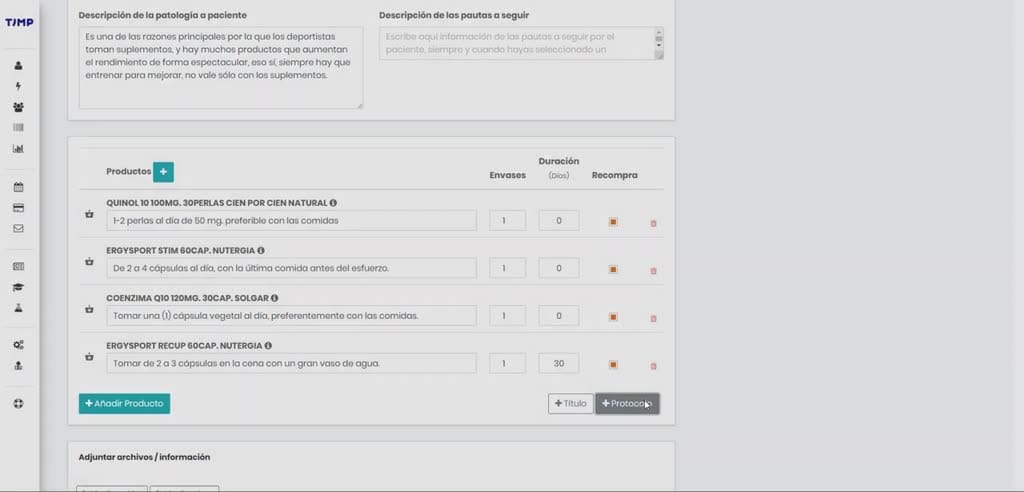
- and during the visit, they'll be able to enter a reason for enter a reason for consultation, progress notes, and comments, and they'll be consultation, progress notes, and comments, and they'll be able to prescribe. They can prescribe in two
5. Paso 5
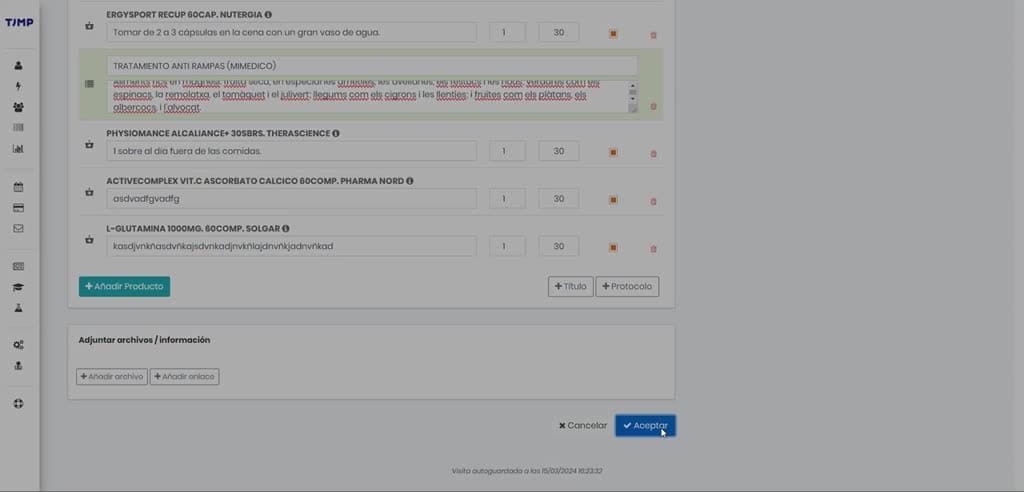
- able to prescribe. They can prescribe in two ways: either leaving it as the reason for visit, ways: either leaving it as the reason for visit, treatment, or general health treatment, which
6. Paso 6
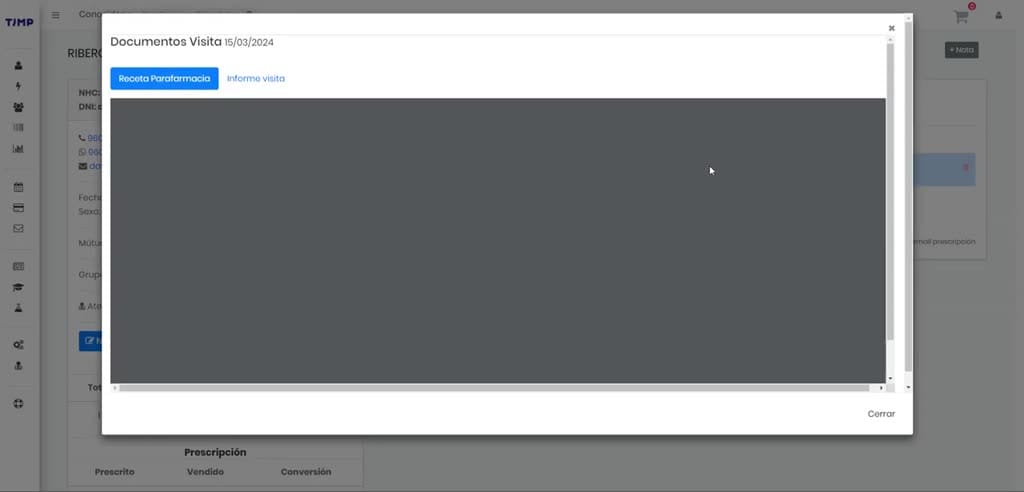
- treatment, or general health treatment, which is like a catch-all category, or simply is like a catch-all category, or simply adding products individually to adding products individually to the prescription. Okay. This is the
7. Paso 7
- the prescription. Okay. This is the slow and cumbersome way we have it. Okay, well, I don't slow and cumbersome way we have it. Okay, well, I don't know, sports nutrition. know, sports nutrition. For example, in Etics, you'll find
8. Paso 8
- For example, in Etics, you'll find everything related to supplementation, everything related to supplementation, food, and dietetics—everything you'd food, and dietetics—everything you'd find in a health food store:
9. Paso 9
- find in a health food store: supplements, superfoods, supplements, superfoods, gluten-free beer, all that gluten-free beer, all that stuff. Then there's everything related to stuff. Then there's everything related to sports nutrition and weight loss nutrition,
10. Paso 10
- sports nutrition and weight loss nutrition, everything that... Dermocosmetics and everything that... Dermocosmetics and everything related to hygiene, both body, everything related to hygiene, both body, oral, and hair, and also
Preguntas frecuentes para soporte
¿Qué explica el tutorial Ejemplo TIMP / MiMedico?
Okay David, I'll record a short video of what we want to do. The idea, as I what we want to do. The idea, as I 've said, is that our client, 've said, is that our client, which we which we share, will register patients share, will register patients in Timp, and Timp will automatically in Timp, and Timp will automatically send them to my doctor, and they'll appear here on the send them to my doctor, and they'll appear here on the patient list. Once a patient list. Once a patient appears on this list, patient appears on this list, the professional will the professional will click on "New Visit." Okay, click on "New Visit." Okay, and during the visit, they'll be able to and during the visit, they'll be able to enter a reason for enter a reason for consultation, progress notes, and comments, and they'll be consultation, progress notes, and comments, and they'll be able to prescribe. They can prescribe in two able to prescribe.
¿Dónde está el material fuente del tutorial?
El paquete local está en /mnt/d/Claude/claude-config/trabajos/MiMedico/Tutoriales/Ejemplo TIMP MiMedico y el vídeo fuente es https://www.youtube.com/watch?v=1f9HxcNMl-k.
¿Para qué se usa esta fuente en soporte?
Se usa para responder dudas operativas sobre la funcionalidad de MiMedico.com mostrada en el vídeo.
Fuente: vídeo tutorial MiMedico. Material generado automáticamente por Morfeo y sincronizado con la biblioteca Tutoriales MiMedico.com.