Diferencia entre una prescripción Anónima vs una prescripción personalizada en MiMedico.com
Agustí, I'm sending you the difference the difference between you giving us the between you giving us the patient's data and you not giving it to us, okay? I patient's data and you not giving it to us, okay?
Tutorial MiMedico.com
Guía práctica generada a partir del vídeo tutorial de MiMedico.com.
Resumen
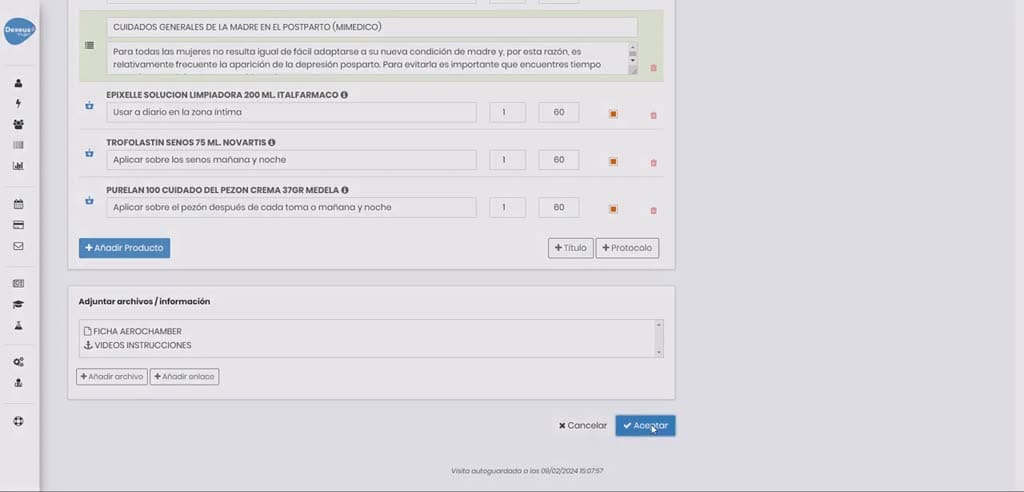
Agustí, I'm sending you the difference the difference between you giving us the between you giving us the patient's data and you not giving it to us, okay? I patient's data and you not giving it to us, okay? I mean, I've created you as a mean, I've created you as a patient, as if you had already given us your patient, as if you had already given us your data, okay? And I'm going to write you a data, okay? And I'm going to write you a prescription. So, I'm going to put prescription. So, I'm going to put here, well, I don't here, well, I don't know, okay? I'm going to click accept and I'm going to send it to you by email so you can see it, okay? Okay, in this prescription I'm going to make it a little prescription I'm going to make it a little bigger so you can see it bigger so you can see it well. Okay, so, Agustí has made well.
Pasos del tutorial
1. Paso 1
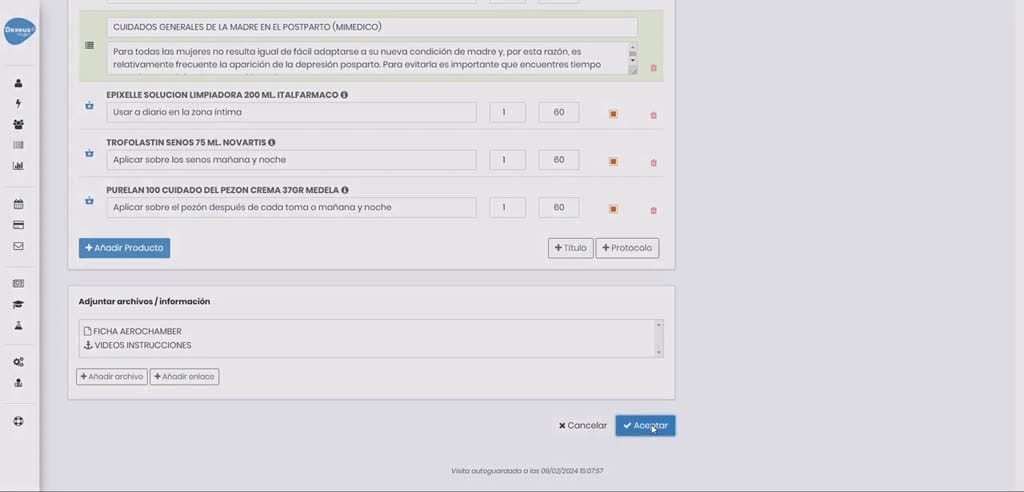
- Agustí, I'm sending you the difference the difference between you giving us the between you giving us the patient's data and you not giving it to us, okay? I patient's data and you not giving it to us, okay? I mean, I've created you as a
2. Paso 2
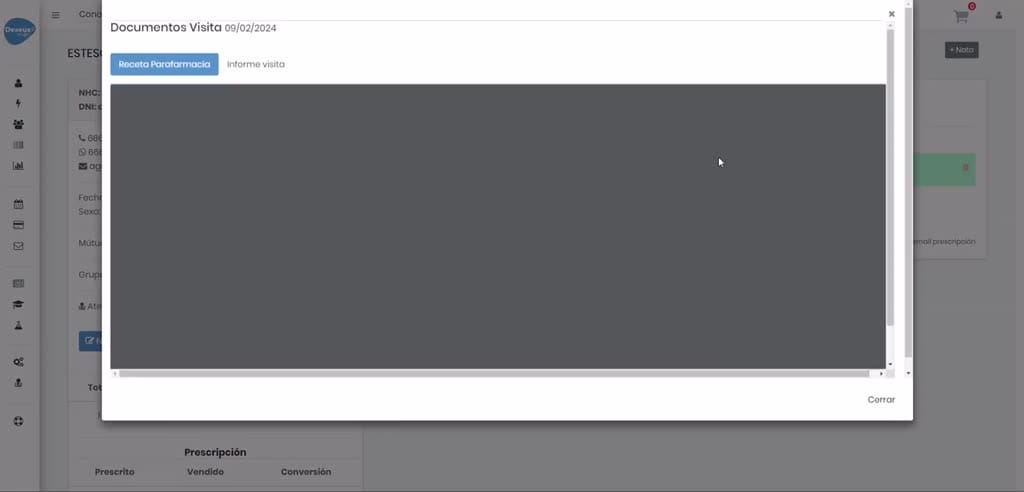
- mean, I've created you as a patient, as if you had already given us your patient, as if you had already given us your data, okay? And I'm going to write you a data, okay? And I'm going to write you a prescription. So, I'm going to put
3. Paso 3
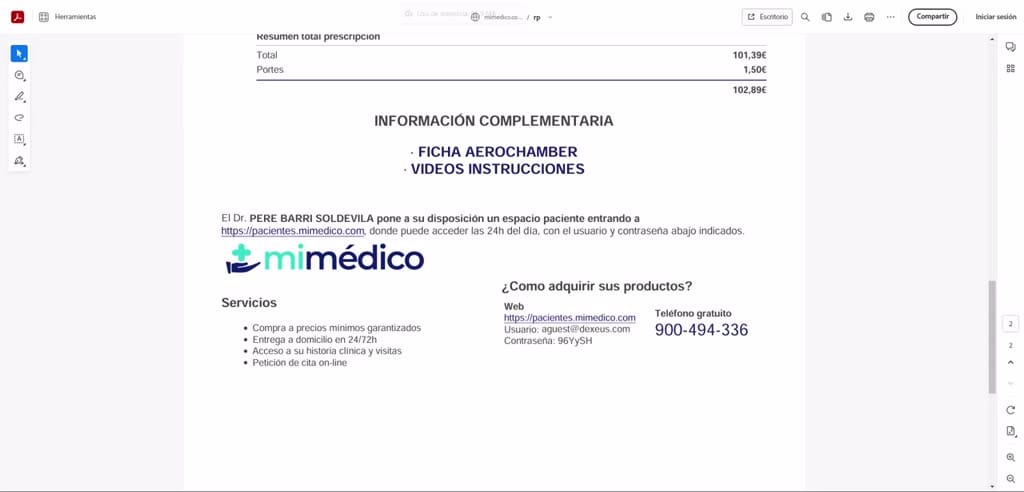
- prescription. So, I'm going to put here, well, I don't here, well, I don't know, okay? I'm going to click accept and I'm going to send it to you by email so you can see it, okay? Okay, in this prescription I'm going to make it a little
4. Paso 4
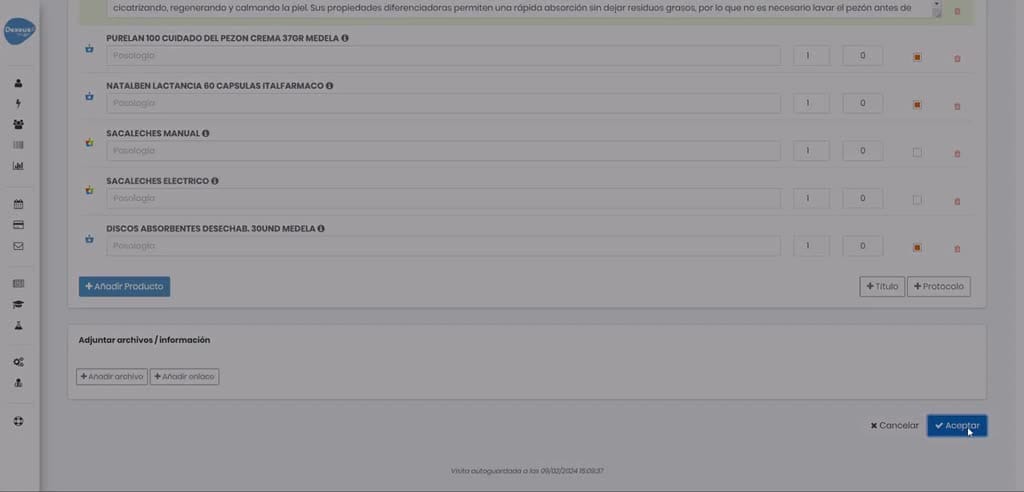
- prescription I'm going to make it a little bigger so you can see it bigger so you can see it well. Okay, so, Agustí has made well. Okay, so, Agustí has made the recommendation to you with what
5. Paso 5
- the recommendation to you with what you have to do and the products you you have to do and the products you have to take, okay? You can call the toll- have to take, okay? You can call the toll- free number or you can click on
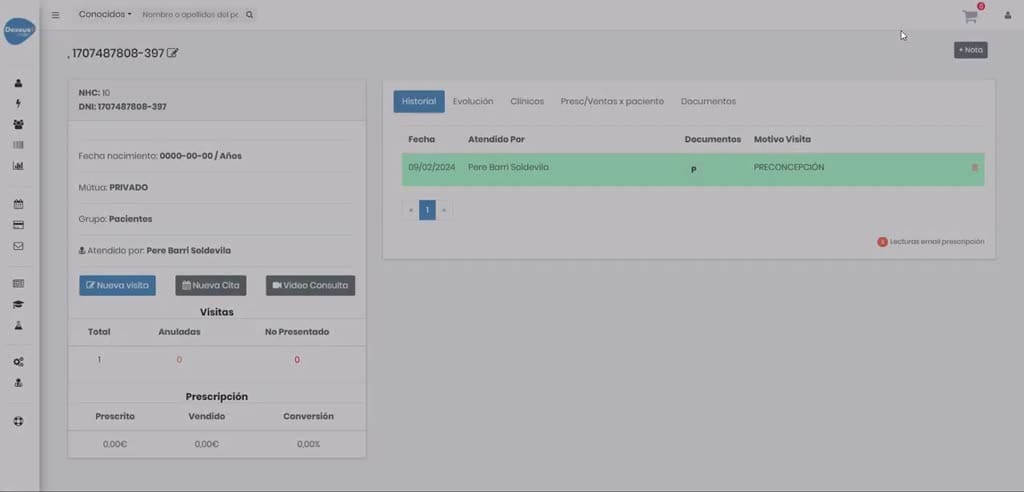
6. Paso 6
- free number or you can click on the link, okay? I'm going to click and I'm the link, okay? I'm going to click and I'm going to pretend to be you as a patient. I click going to pretend to be you as a patient. I click open
7. Paso 7
- open link and it tells me that you have a link and it tells me that you have a pending prescription from Agustí, okay, with pending prescription from Agustí, okay, with the products she recommended, okay?
8. Paso 8
- the products she recommended, okay? You could put here, well, more products, You could put here, well, more products, and this one, well, that you don't want it, okay? Then and this one, well, that you don't want it, okay? Then when you click next or delivery,
9. Paso 9
- when you click next or delivery, your data appears, including your name, your your data appears, including your name, your first surname, your second surname, your first surname, your second surname, your email, your phone number. The only thing is, you
10. Paso 10
- email, your phone number. The only thing is, you have What you need to put is the have What you need to put is the delivery address, even if we had already delivery address, even if we had already entered it during the registration process.
Preguntas frecuentes para soporte
¿Qué explica el tutorial Diferencia entre una prescripción Anónima vs una prescripción personalizada en MiMedico.com?
Agustí, I'm sending you the difference the difference between you giving us the between you giving us the patient's data and you not giving it to us, okay? I patient's data and you not giving it to us, okay? I mean, I've created you as a mean, I've created you as a patient, as if you had already given us your patient, as if you had already given us your data, okay? And I'm going to write you a data, okay? And I'm going to write you a prescription. So, I'm going to put prescription. So, I'm going to put here, well, I don't here, well, I don't know, okay? I'm going to click accept and I'm going to send it to you by email so you can see it, okay? Okay, in this prescription I'm going to make it a little prescription I'm going to make it a little bigger so you can see it bigger so you can see it well. Okay, so, Agustí has made well.
¿Dónde está el material fuente del tutorial?
El paquete local está en /mnt/d/Claude/claude-config/trabajos/MiMedico/Tutoriales/Diferencia entre una prescripción Anónima vs una prescripción personalizada en MiMedico.com y el vídeo fuente es https://www.youtube.com/watch?v=sweNzHC1wHA.
¿Para qué se usa esta fuente en soporte?
Se usa para responder dudas operativas sobre la funcionalidad de MiMedico.com mostrada en el vídeo.
Fuente: vídeo tutorial MiMedico. Material generado automáticamente por Morfeo y sincronizado con la biblioteca Tutoriales MiMedico.com.