Buscar Paciente (cambio Nombre)
on the prescription you've received in Mimedicus patients. Your name, first surname, and second surname are listed. Although we've added second surname are listed. Although we've added a new field that a new field that defaults to "If the shipment is
Tutorial MiMedico.com
Guía práctica generada a partir del vídeo tutorial de MiMedico.com.
Resumen
on the prescription you've received in Mimedicus patients. Your name, first surname, and second surname are listed. Although we've added second surname are listed. Although we've added a new field that a new field that defaults to "If the shipment is addressed to defaults to "If the shipment is addressed to someone else, enter the recipient's name here," some someone else, enter the recipient's name here," some people still change it. For example, if I put Fernando, I'll put Pérez. Okay, Fernando, I'll put Pérez. Okay, and I click "Next." Okay, and that's how they and I click "Next." Okay, and that's how they update their information. Okay, so now update their information. Okay, so now if I go back to the appointment and look for Pablo Larramendi, he won't appear. The one I was looking for will appear; someone else will. Okay, so was looking for will appear; someone else will.
Pasos del tutorial
1. Paso 1
- on the prescription you've received in Mimedicus patients. Your name, first surname, and second surname are listed. Although we've added second surname are listed. Although we've added a new field that
2. Paso 2
- a new field that defaults to "If the shipment is addressed to defaults to "If the shipment is addressed to someone else, enter the recipient's name here," some someone else, enter the recipient's name here," some
3. Paso 3
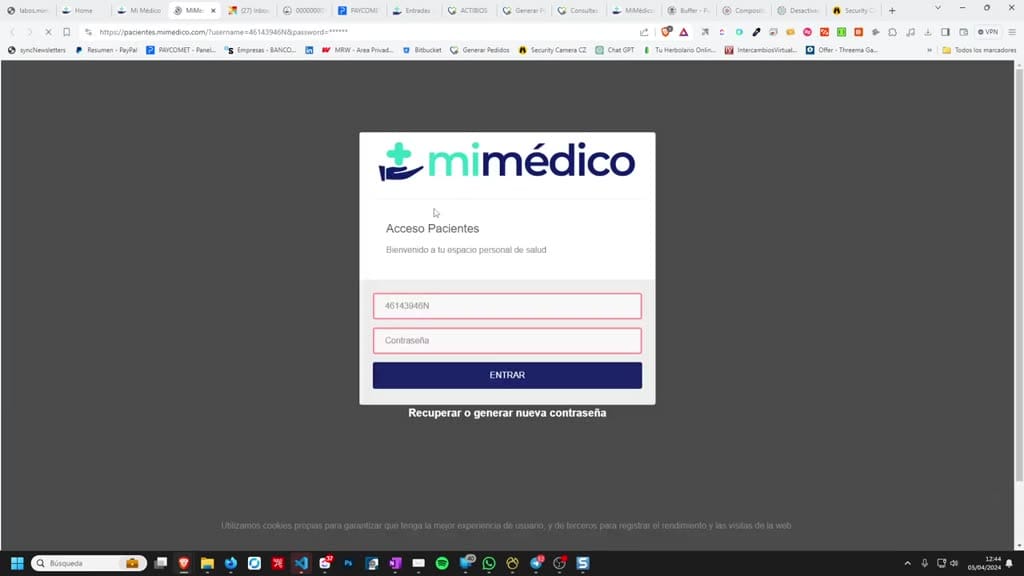
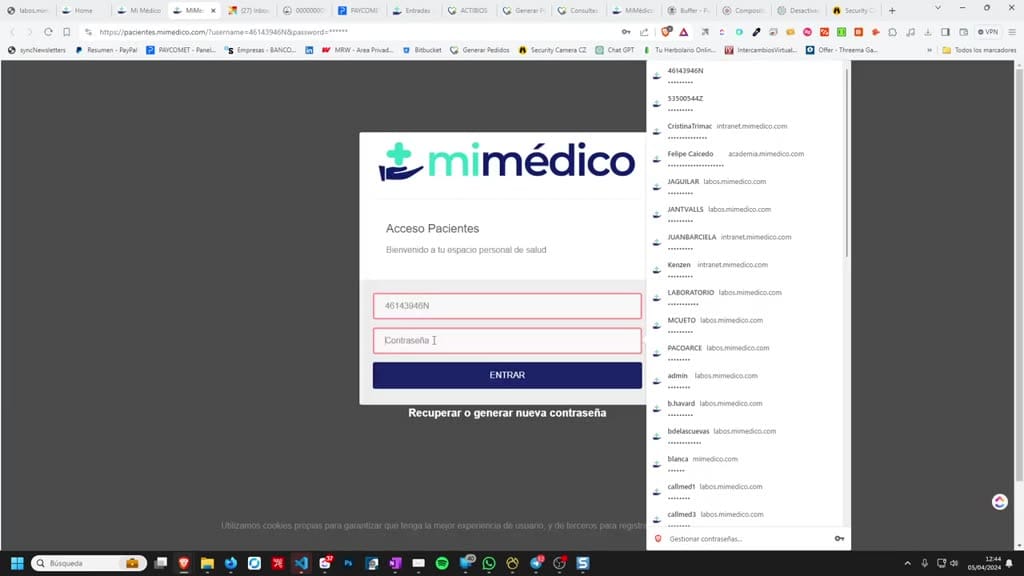
- people still change it. For example, if I put Fernando, I'll put Pérez. Okay, Fernando, I'll put Pérez. Okay, and I click "Next." Okay, and that's how they and I click "Next." Okay, and that's how they update their information. Okay, so now
4. Paso 4
- update their information. Okay, so now if I go back to the appointment and look for Pablo Larramendi, he won't appear. The one I was looking for will appear; someone else will. Okay, so
5. Paso 5
- was looking for will appear; someone else will. Okay, so to find this patient, to find this patient, the easy way is to go to the appointment book and search for the easy way is to go to the appointment book and search for Pablo Larramendi.

6. Paso 6
- Okay, and here I can see his appointments. Okay, and once I click on the appointment, I notice once I click on the appointment, I notice that that his first and last names have changed,
7. Paso 7
- his first and last names have changed, and I can go to the patient's record and I can go to the patient's record and change them back to the correct name. and change them back to the correct name.
8. Paso 8
- Okay, and I'll update it. This doesn't usually happen, but it can. and I'll update it. This doesn't usually happen, but it can. Okay, if Okay, if we want to know his name, remember that we we want to know his name, remember that we always have the document in
9. Paso 9
- always have the document in any of the generated documents. any of the generated documents. During previous visits, the During previous visits, the visit report, for example, and we have visit report, for example, and we have the copy with all the correct
10. Paso 10
- the copy with all the correct patient data. Well, that's all. If you have any questions, you can call me you have any questions, you can call me at at 605 or 600 605 or 600 45106 or send me an email to pelar ramendi@
Preguntas frecuentes para soporte
¿Qué explica el tutorial Buscar Paciente (cambio Nombre)?
on the prescription you've received in Mimedicus patients. Your name, first surname, and second surname are listed. Although we've added second surname are listed. Although we've added a new field that a new field that defaults to "If the shipment is addressed to defaults to "If the shipment is addressed to someone else, enter the recipient's name here," some someone else, enter the recipient's name here," some people still change it. For example, if I put Fernando, I'll put Pérez. Okay, Fernando, I'll put Pérez. Okay, and I click "Next." Okay, and that's how they and I click "Next." Okay, and that's how they update their information. Okay, so now update their information. Okay, so now if I go back to the appointment and look for Pablo Larramendi, he won't appear. The one I was looking for will appear; someone else will. Okay, so was looking for will appear; someone else will.
¿Dónde está el material fuente del tutorial?
El paquete local está en /mnt/d/Claude/claude-config/trabajos/MiMedico/Tutoriales/Buscar Paciente (cambio Nombre) y el vídeo fuente es https://www.youtube.com/watch?v=Tg2XYkGccyY.
¿Para qué se usa esta fuente en soporte?
Se usa para responder dudas operativas sobre la funcionalidad de MiMedico.com mostrada en el vídeo.
Fuente: vídeo tutorial MiMedico. Material generado automáticamente por Morfeo y sincronizado con la biblioteca Tutoriales MiMedico.com.