Alta Paciente Online v2
Good morning and welcome to a new tutorial from mi médico.com. tutorial from mi médico.com. Today, Pablo Larramendi will be in this video Today, Pablo Larramendi will be in this video tutorial, and I'm going to talk about the improvements we tutorial
Tutorial MiMedico.com
Guía práctica generada a partir del vídeo tutorial de MiMedico.com.
Resumen
Good morning and welcome to a new tutorial from mi médico.com. tutorial from mi médico.com. Today, Pablo Larramendi will be in this video Today, Pablo Larramendi will be in this video tutorial, and I'm going to talk about the improvements we tutorial, and I'm going to talk about the improvements we 've made to patient registration. This 've made to patient registration. This means registering patients remotely, allowing us to send them send them a link to register and sign a link to register and sign the data protection law and the data protection law and consent form, which consent form, which we'll discuss later. Alternatively, we can we'll discuss later. Alternatively, we can add a button to our website so add a button to our website so patients can also register and sign up directly from our website. We'll direct access to the mi médico check-in feature. the mi médico check-in feature.
Pasos del tutorial
1. Paso 1
- Good morning and welcome to a new tutorial from mi médico.com. tutorial from mi médico.com. Today, Pablo Larramendi will be in this video Today, Pablo Larramendi will be in this video tutorial, and I'm going to talk about the improvements we
2. Paso 2
- tutorial, and I'm going to talk about the improvements we 've made to patient registration. This 've made to patient registration. This means registering patients remotely, allowing us to send them send them a link to register and sign

3. Paso 3
- a link to register and sign the data protection law and the data protection law and consent form, which consent form, which we'll discuss later. Alternatively, we can we'll discuss later. Alternatively, we can add a button to our website so
4. Paso 4
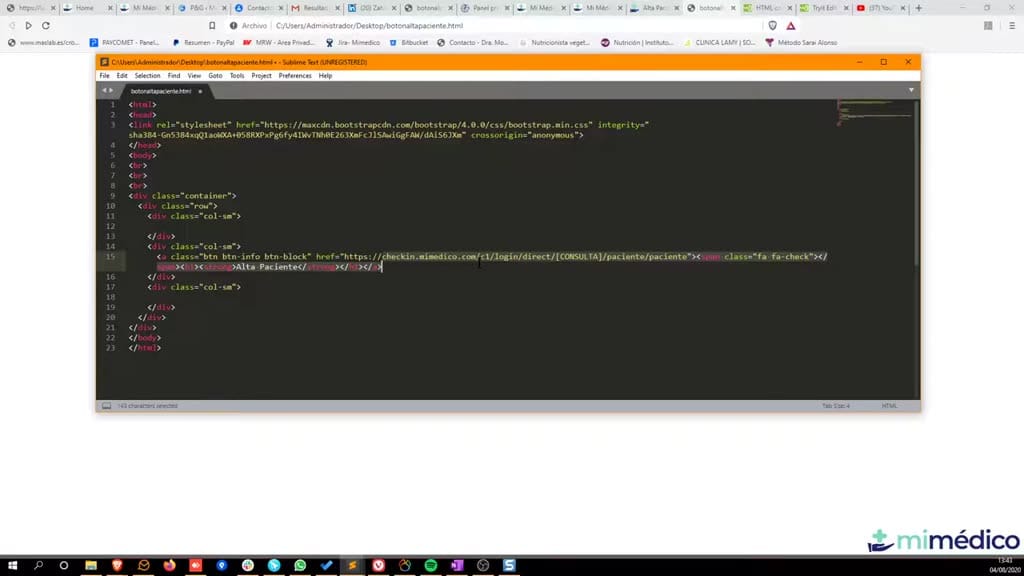
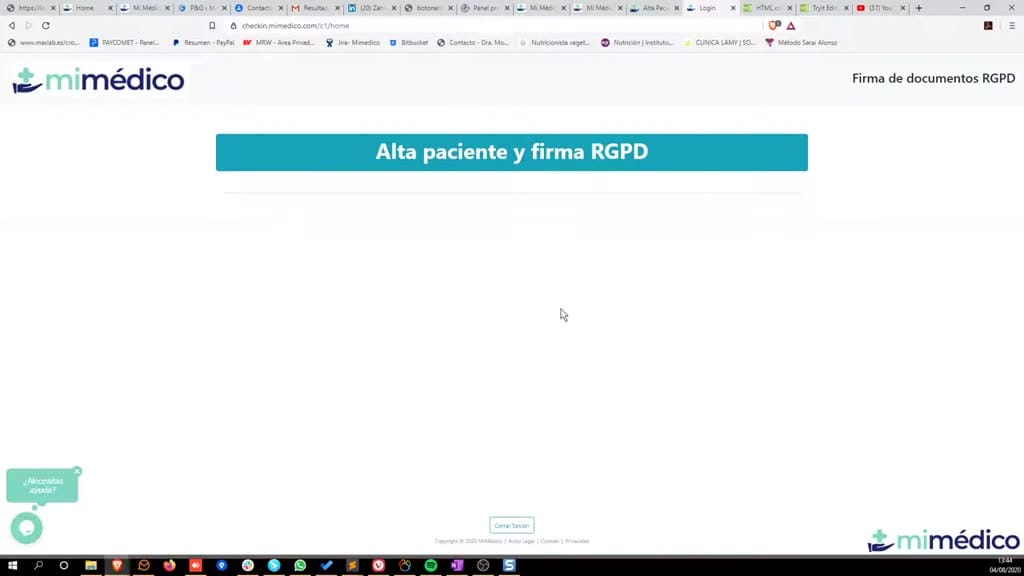
- add a button to our website so patients can also register and sign up directly from our website. We'll direct access to the mi médico check-in feature. the mi médico check-in feature. Here's an example of a button Here's an example of a button for
5. Paso 5
- for patients to click, which will open patients to click, which will open the check-in-mi-dico.com website the check-in-mi-dico.com website with their username. You already know what this means. This link is generic;
6. Paso 6
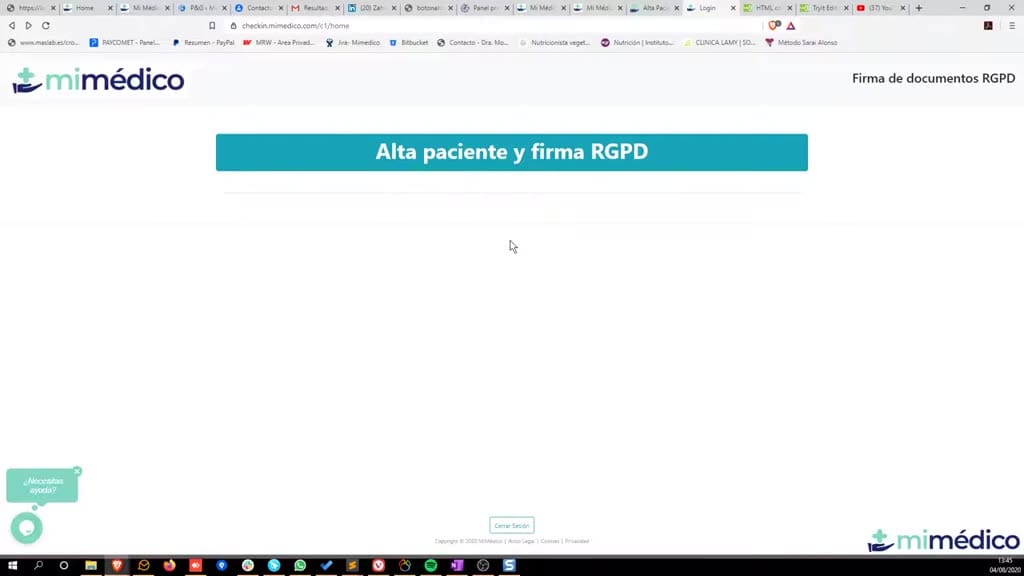
- This link is generic; we'll put the name of our practice we'll put the name of our practice here. As you can see on this screen, I've created a website— a website— yours or any other—and an email address.
7. Paso 7
- yours or any other—and an email address. The patient will have a button that says "I'm The patient will have a button that says "I'm aware." When the patient aware." When the patient clicks the button, they'll be taken
8. Paso 8
- clicks the button, they'll be taken directly to your practice so they can complete the signing process. complete the signing process. Data protection and enter Data protection and enter all your data and sign the
9. Paso 9
- all your data and sign the corresponding actions. corresponding actions. If you have any questions about how to do this, you If you have any questions about how to do this, you can call me at 600 45 18 06 or
10. Paso 10
- can call me at 600 45 18 06 or write to me by email at p larramendia a mi write to me by email at p larramendia a mi médico punto médico punto bien. You have available for download bien. You have available for download a treatment, a reason for consultation
Preguntas frecuentes para soporte
¿Qué explica el tutorial Alta Paciente Online v2?
Good morning and welcome to a new tutorial from mi médico.com. tutorial from mi médico.com. Today, Pablo Larramendi will be in this video Today, Pablo Larramendi will be in this video tutorial, and I'm going to talk about the improvements we tutorial, and I'm going to talk about the improvements we 've made to patient registration. This 've made to patient registration. This means registering patients remotely, allowing us to send them send them a link to register and sign a link to register and sign the data protection law and the data protection law and consent form, which consent form, which we'll discuss later. Alternatively, we can we'll discuss later. Alternatively, we can add a button to our website so add a button to our website so patients can also register and sign up directly from our website. We'll direct access to the mi médico check-in feature. the mi médico check-in feature.
¿Dónde está el material fuente del tutorial?
El paquete local está en /mnt/d/Claude/claude-config/trabajos/MiMedico/Tutoriales/Alta Paciente Online v2 y el vídeo fuente es https://www.youtube.com/watch?v=09FQsOd3SQg.
¿Para qué se usa esta fuente en soporte?
Se usa para responder dudas operativas sobre la funcionalidad de MiMedico.com mostrada en el vídeo.
Fuente: vídeo tutorial MiMedico. Material generado automáticamente por Morfeo y sincronizado con la biblioteca Tutoriales MiMedico.com.