118 Nueva pantalla de inicio
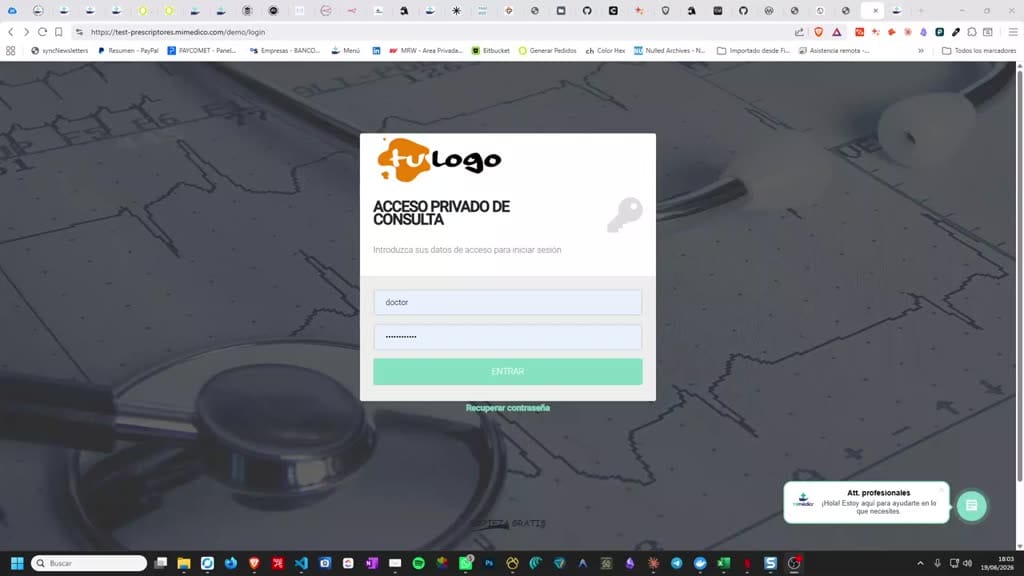
Good afternoon. Today we are going to present you with a new home page present you with a new home page after you log in with your username and after you log in with your username and password. Previously we went to the password.
Tutorial MiMedico.com
Guía práctica generada a partir del vídeo tutorial de MiMedico.com.
Resumen
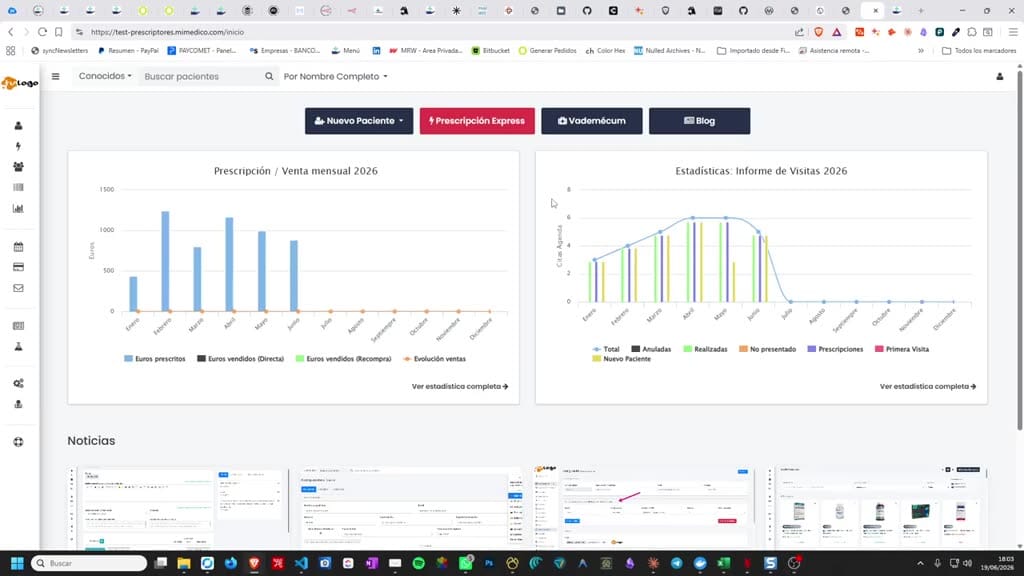
Good afternoon. Today we are going to present you with a new home page present you with a new home page after you log in with your username and after you log in with your username and password. Previously we went to the password. Previously we went to the patient list, and now we will enter a patient list, and now we will enter a home page where we will have home page where we will have the classic action buttons to go the classic action buttons to go to the creation of a new patient, to the creation of a new patient, invite them or create them manually, to the invite them or create them manually, to the express prescription, to the Bademecum or to express prescription, to the Bademecum or to our news blog. And on this our news blog. And on this same homepage we will find the same homepage we will find the prescription and sales statistics, prescription and sales statistics, which will also take us to the which will also take us to the statistics. If we click, we see the statistics.
Pasos del tutorial
1. Paso 1
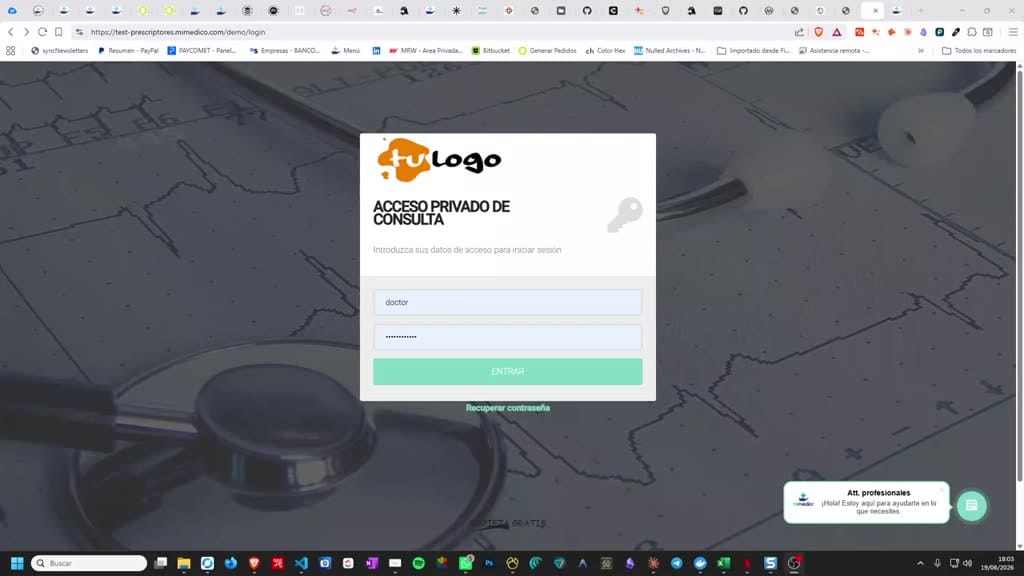
- Good afternoon. Today we are going to present you with a new home page present you with a new home page after you log in with your username and after you log in with your username and password. Previously we went to the
2. Paso 2
- password. Previously we went to the patient list, and now we will enter a patient list, and now we will enter a home page where we will have home page where we will have the classic action buttons to go
3. Paso 3
- the classic action buttons to go to the creation of a new patient, to the creation of a new patient, invite them or create them manually, to the invite them or create them manually, to the express prescription, to the Bademecum or to
4. Paso 4
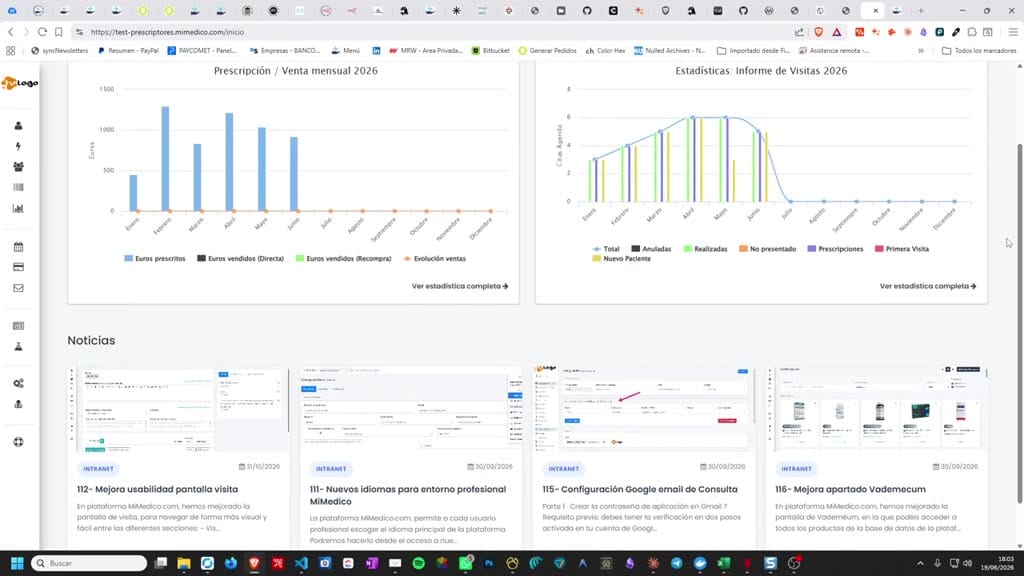
- express prescription, to the Bademecum or to our news blog. And on this our news blog. And on this same homepage we will find the same homepage we will find the prescription and sales statistics,
5. Paso 5
- prescription and sales statistics, which will also take us to the which will also take us to the statistics. If we click, we see the statistics. If we click, we see the statistics in the visit report, that is
6. Paso 6
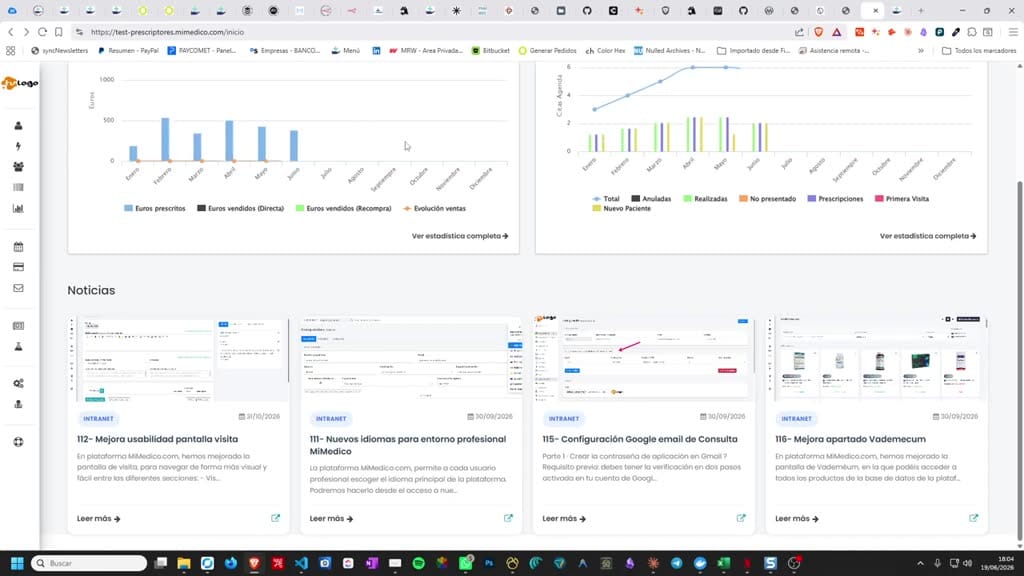
- statistics in the visit report, that is , how many visits we have made, , how many visits we have made, how many have been presented to us, and so on, which is how many have been presented to us, and so on, which is part of the part of the agenda statistics.
7. Paso 7
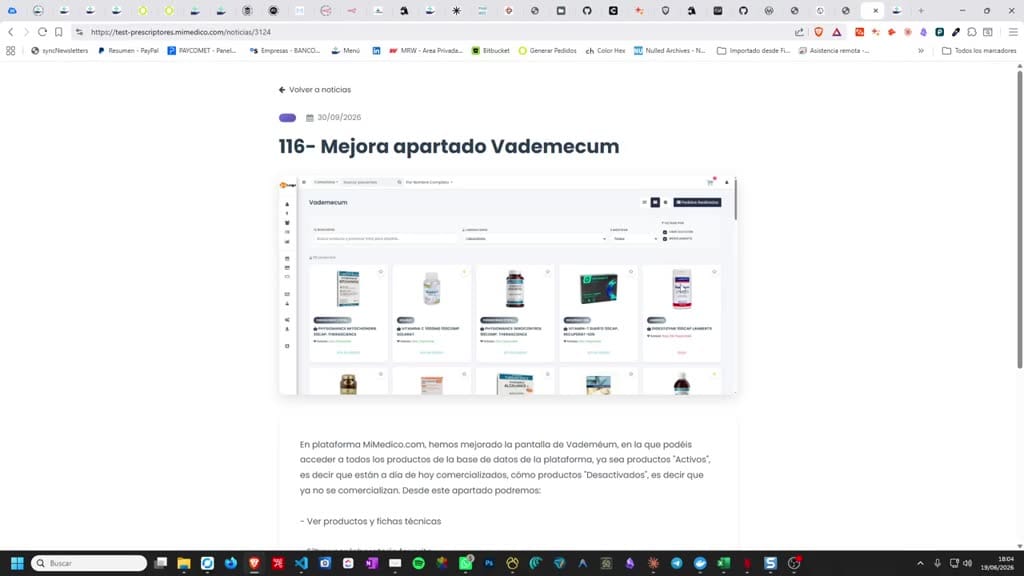
- agenda statistics. And then we're going to show you the And then we're going to show you the four latest news stories that have been four latest news stories that have been published so that we're up to date on
8. Paso 8
- published so that we're up to date on all the news. Well, I hope you all the news. Well, I hope you liked this new homepage.
Preguntas frecuentes para soporte
¿Qué explica el tutorial 118 Nueva pantalla de inicio?
Good afternoon. Today we are going to present you with a new home page present you with a new home page after you log in with your username and after you log in with your username and password. Previously we went to the password. Previously we went to the patient list, and now we will enter a patient list, and now we will enter a home page where we will have home page where we will have the classic action buttons to go the classic action buttons to go to the creation of a new patient, to the creation of a new patient, invite them or create them manually, to the invite them or create them manually, to the express prescription, to the Bademecum or to express prescription, to the Bademecum or to our news blog. And on this our news blog. And on this same homepage we will find the same homepage we will find the prescription and sales statistics, prescription and sales statistics, which will also take us to the which will also take us to the statistics. If we click, we see the statistics.
¿Dónde está el material fuente del tutorial?
El paquete local está en /mnt/d/Claude/claude-config/trabajos/MiMedico/Tutoriales/118 Nueva pantalla de inicio y el vídeo fuente es https://www.youtube.com/watch?v=5r_VzDgM330.
¿Para qué se usa esta fuente en soporte?
Se usa para responder dudas operativas sobre la funcionalidad de MiMedico.com mostrada en el vídeo.
Fuente: vídeo tutorial MiMedico. Material generado automáticamente por Morfeo y sincronizado con la biblioteca Tutoriales MiMedico.com.