1 Acceso a Call Center Mimedico.com
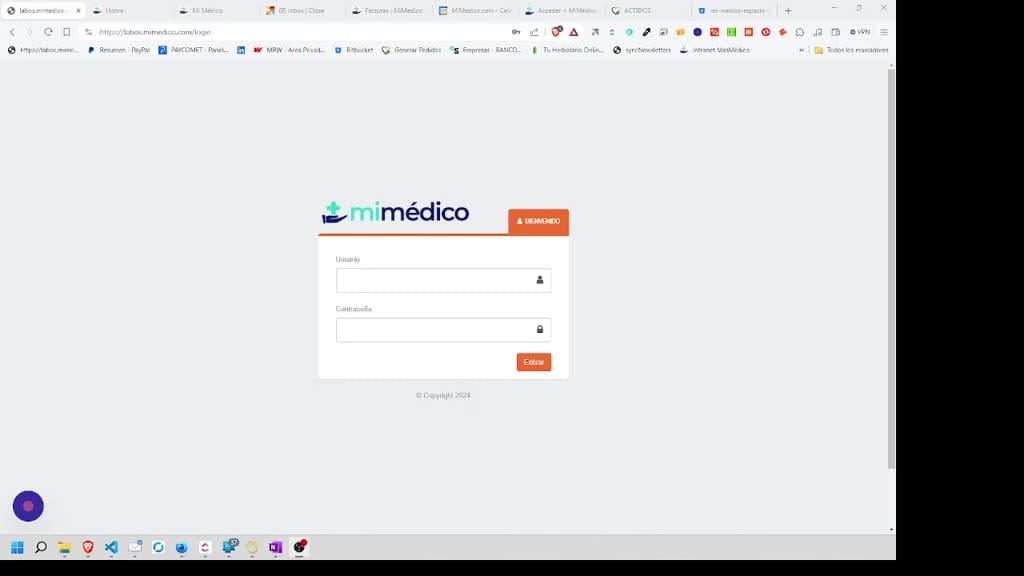
To access the Laus application and make calls, we need to go to and make calls, we need to go to the address the address labos mimico.com. Once we enter labos mimico.com. Once we enter labos mim medico.com, we have different labos mim medico.com, we
Tutorial MiMedico.com
Guía práctica generada a partir del vídeo tutorial de MiMedico.com.
Resumen
To access the Laus application and make calls, we need to go to and make calls, we need to go to the address the address labos mimico.com. Once we enter labos mimico.com. Once we enter labos mim medico.com, we have different labos mim medico.com, we have different usernames, all starting with colmet. usernames, all starting with colmet. We have usernames from 1 to 8, colmet We have usernames from 1 to 8, colmet 1, and the same password, 1, and the same password, colmet 1, colmet 1, and we will enter the application.
Pasos del tutorial
1. Paso 1
- To access the Laus application and make calls, we need to go to and make calls, we need to go to the address the address labos mimico.com. Once we enter labos mimico.com. Once we enter labos mim medico.com, we have different
2. Paso 2
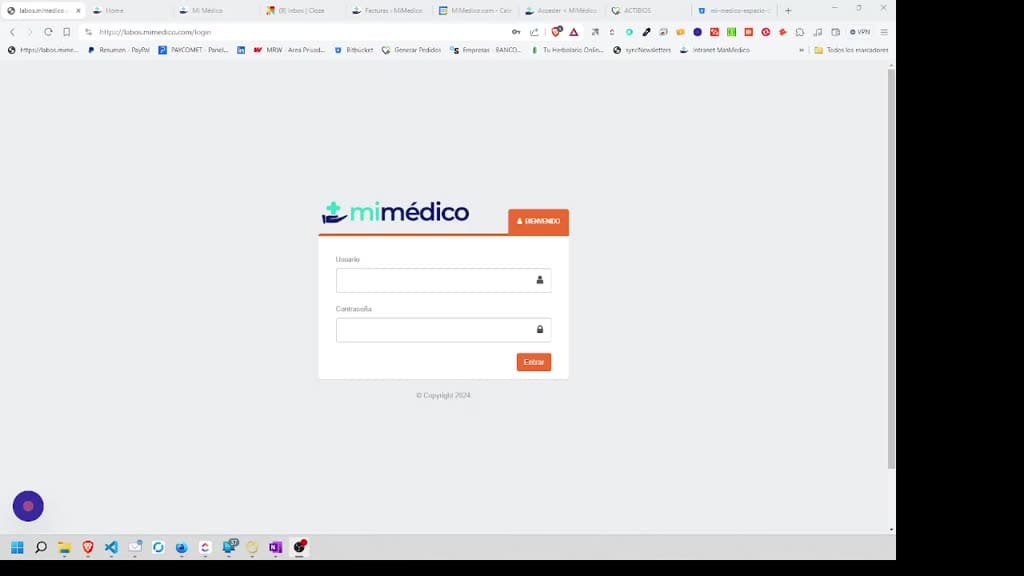
- labos mim medico.com, we have different usernames, all starting with colmet. usernames, all starting with colmet. We have usernames from 1 to 8, colmet We have usernames from 1 to 8, colmet 1, and the same password, 1, and the same password, colmet 1,
3. Paso 3
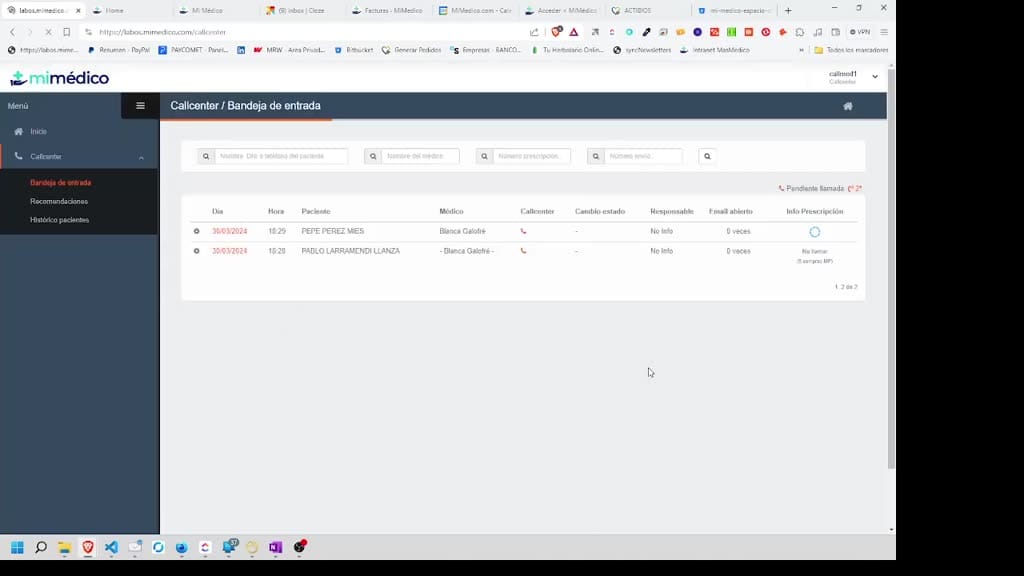
- colmet 1, and we will enter the application.
Preguntas frecuentes para soporte
¿Qué explica el tutorial 1 Acceso a Call Center Mimedico.com?
To access the Laus application and make calls, we need to go to and make calls, we need to go to the address the address labos mimico.com. Once we enter labos mimico.com. Once we enter labos mim medico.com, we have different labos mim medico.com, we have different usernames, all starting with colmet. usernames, all starting with colmet. We have usernames from 1 to 8, colmet We have usernames from 1 to 8, colmet 1, and the same password, 1, and the same password, colmet 1, colmet 1, and we will enter the application.
¿Dónde está el material fuente del tutorial?
El paquete local está en /mnt/d/Claude/claude-config/trabajos/MiMedico/Tutoriales/1 Acceso a Call Center Mimedico.com y el vídeo fuente es https://www.youtube.com/watch?v=nyaPWjrX0BU.
¿Para qué se usa esta fuente en soporte?
Se usa para responder dudas operativas sobre la funcionalidad de MiMedico.com mostrada en el vídeo.
Fuente: vídeo tutorial MiMedico. Material generado automáticamente por Morfeo y sincronizado con la biblioteca Tutoriales MiMedico.com.